



AI Baseball Broadcast Screenshot
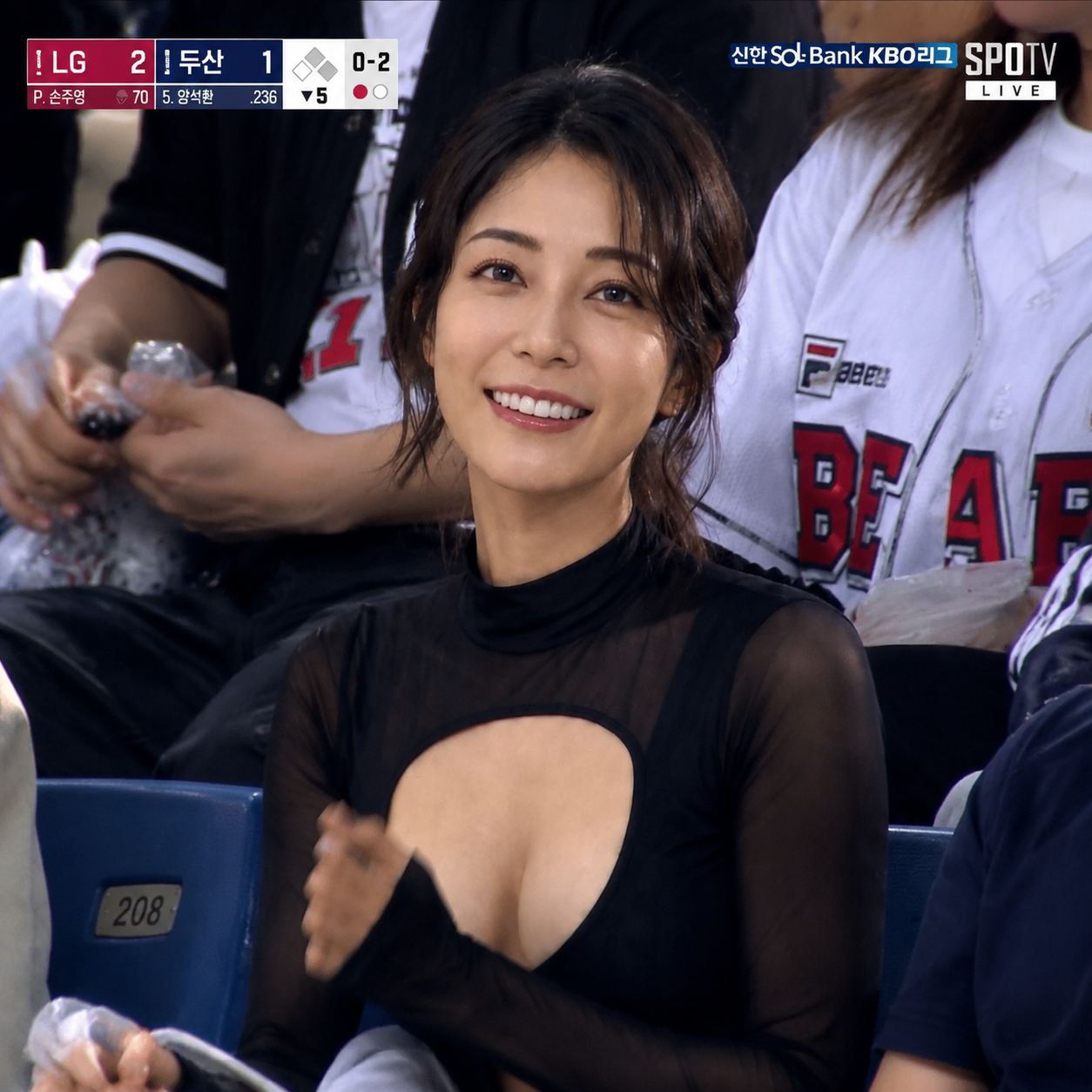
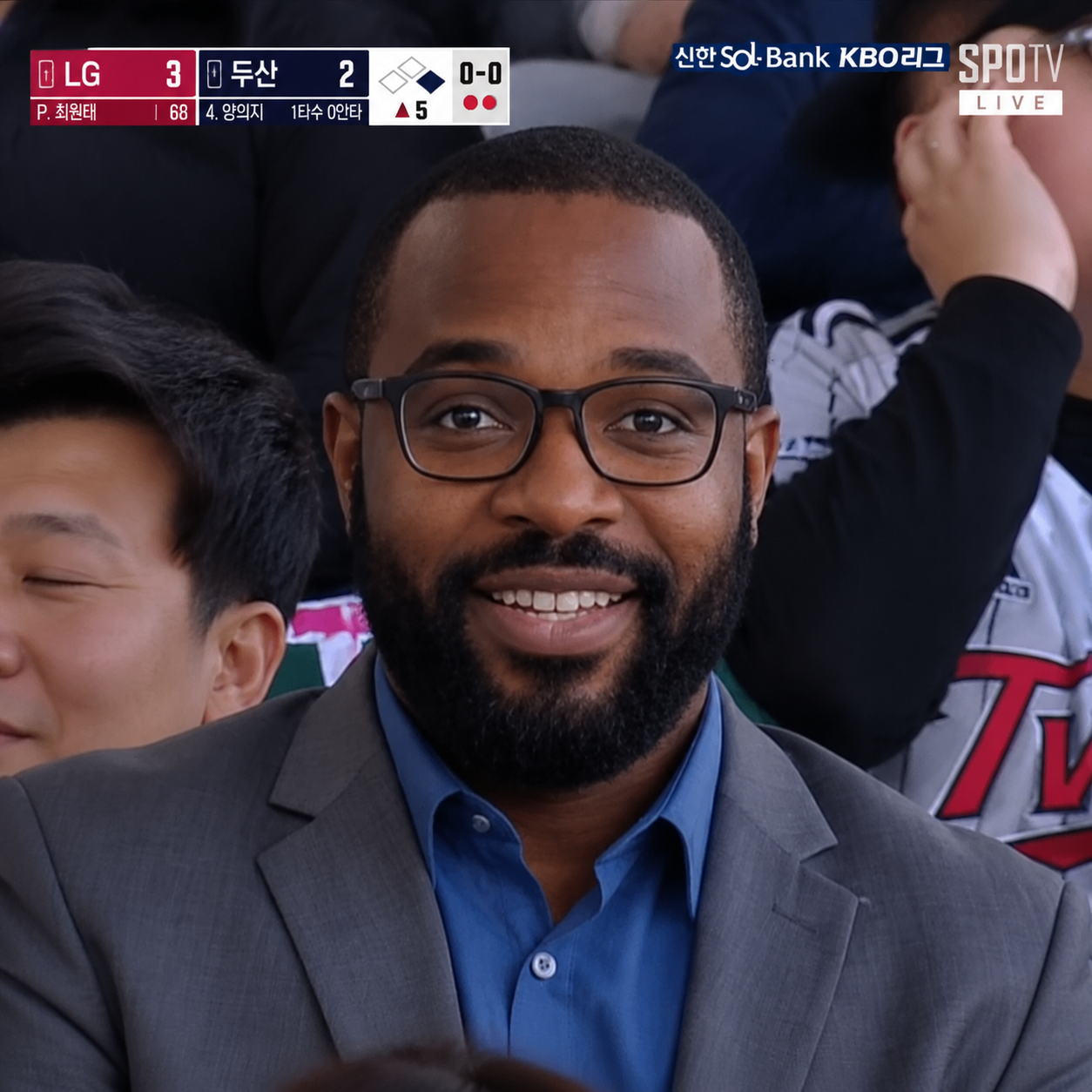
Turn your portrait into a realistic baseball broadcast screenshot — stadium crowds, TV scoreboard graphics, motion blur, and authentic KBO telecast atmosphere.
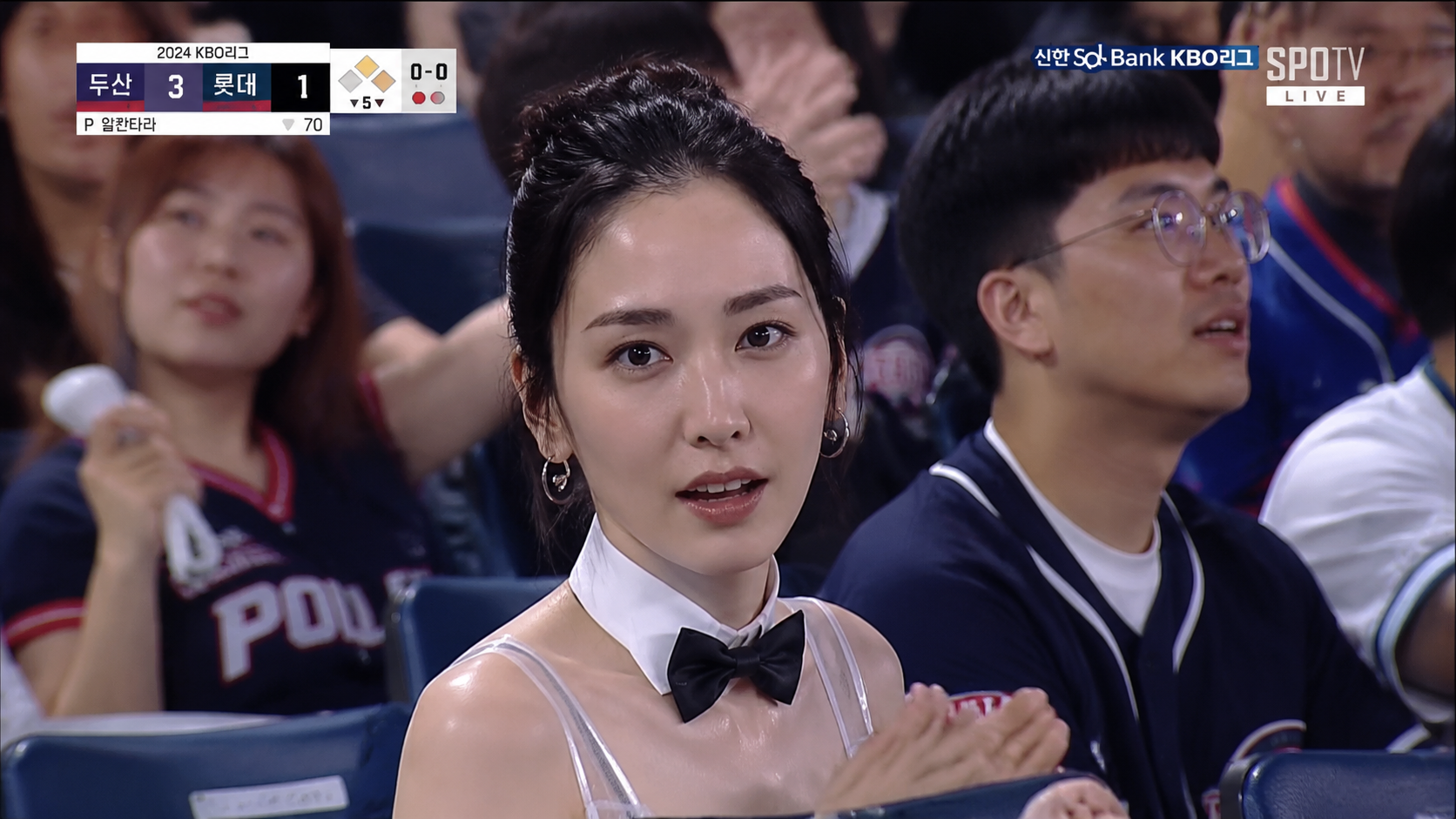
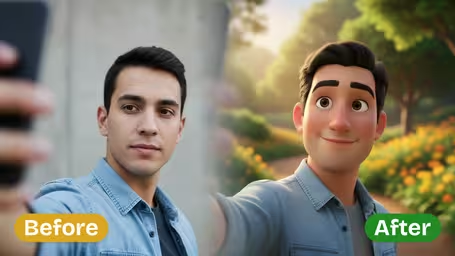
KBO Baseball Broadcast — Before & After
See how an ordinary photo transforms — upload yours to get the same result.
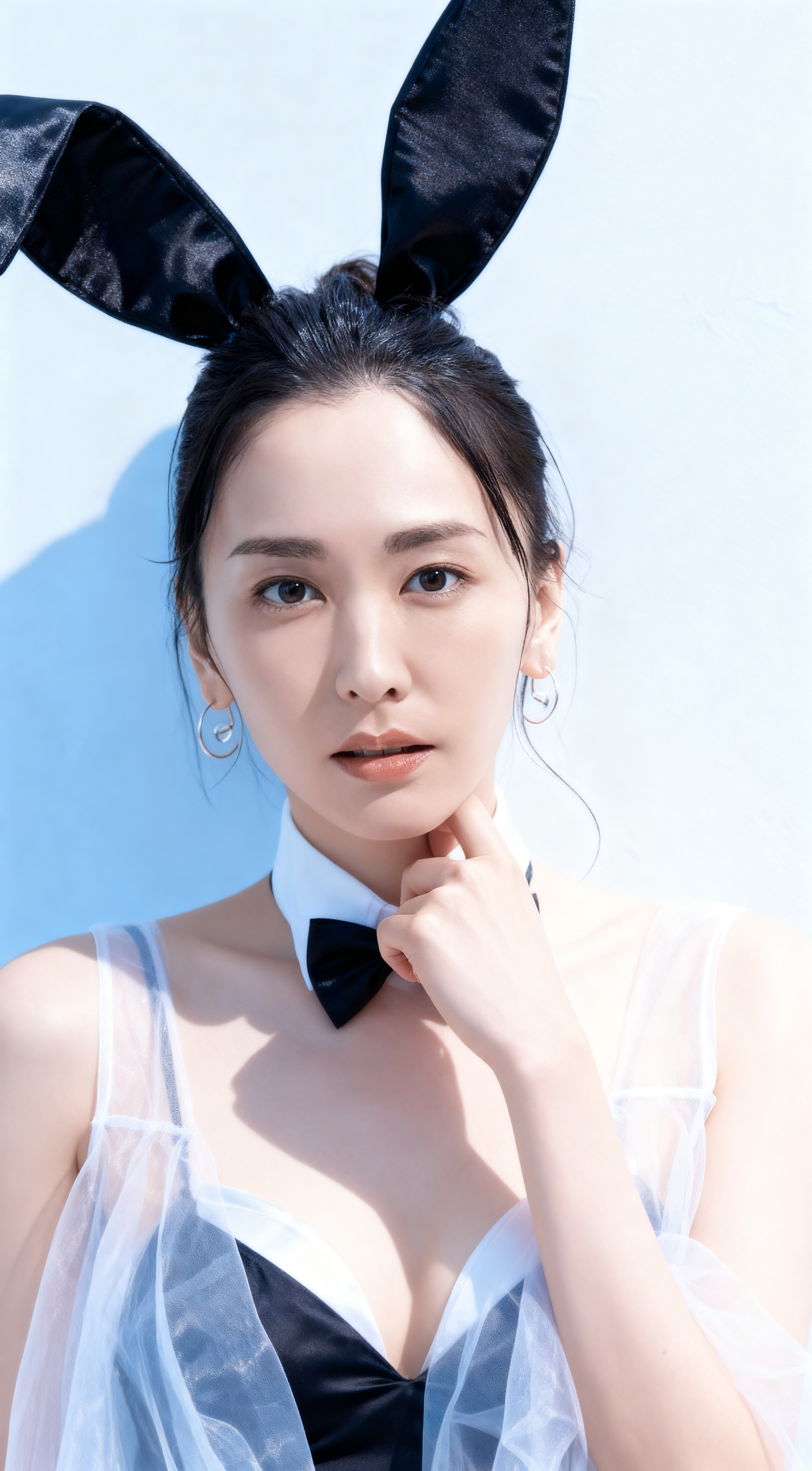 BeforeFan Cam Caught
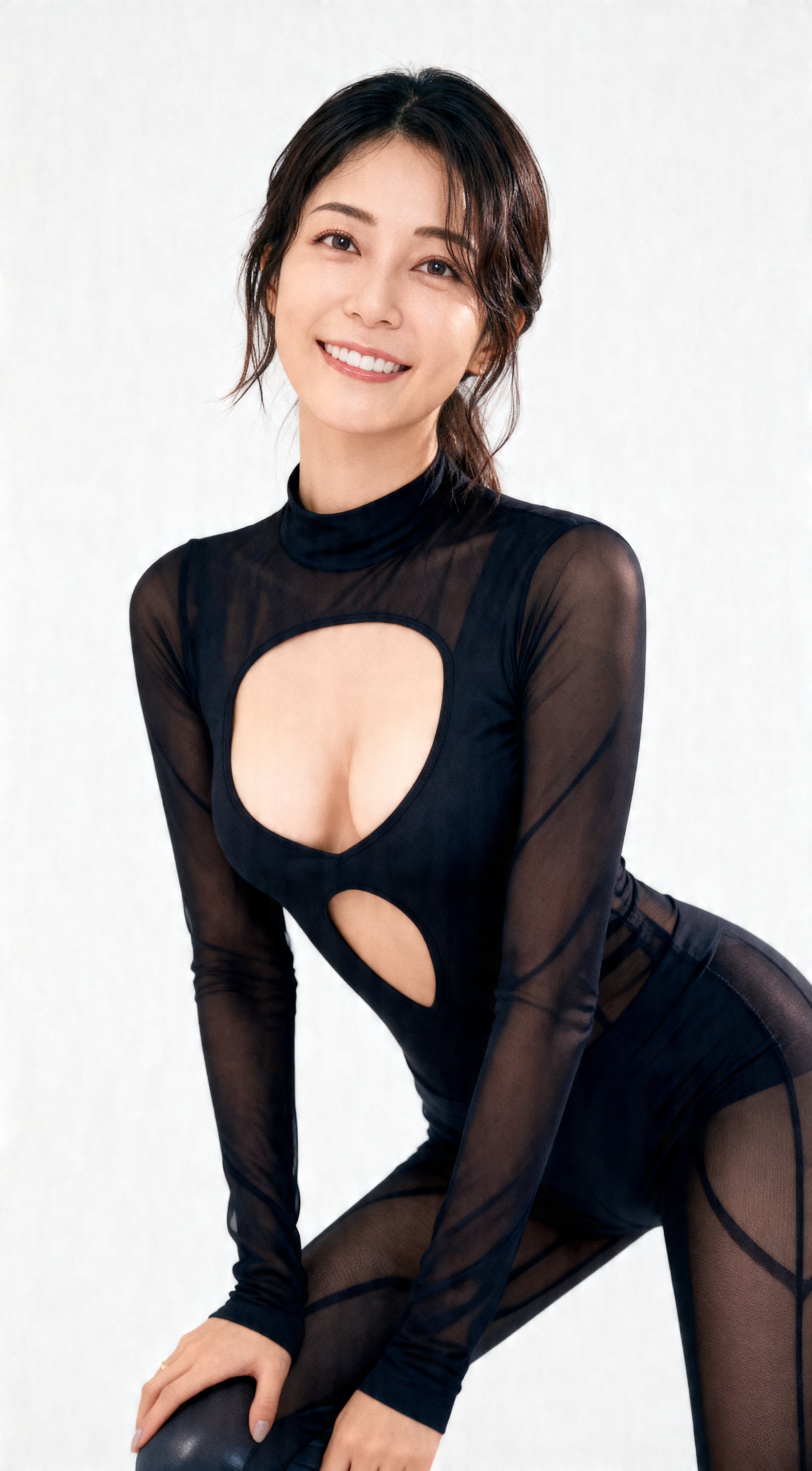 Before
 Cheering Crowd Moment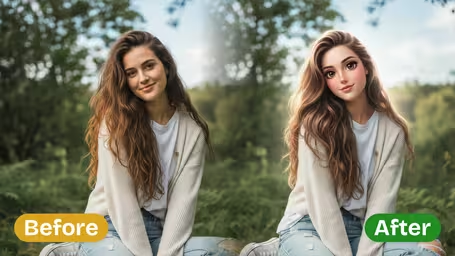

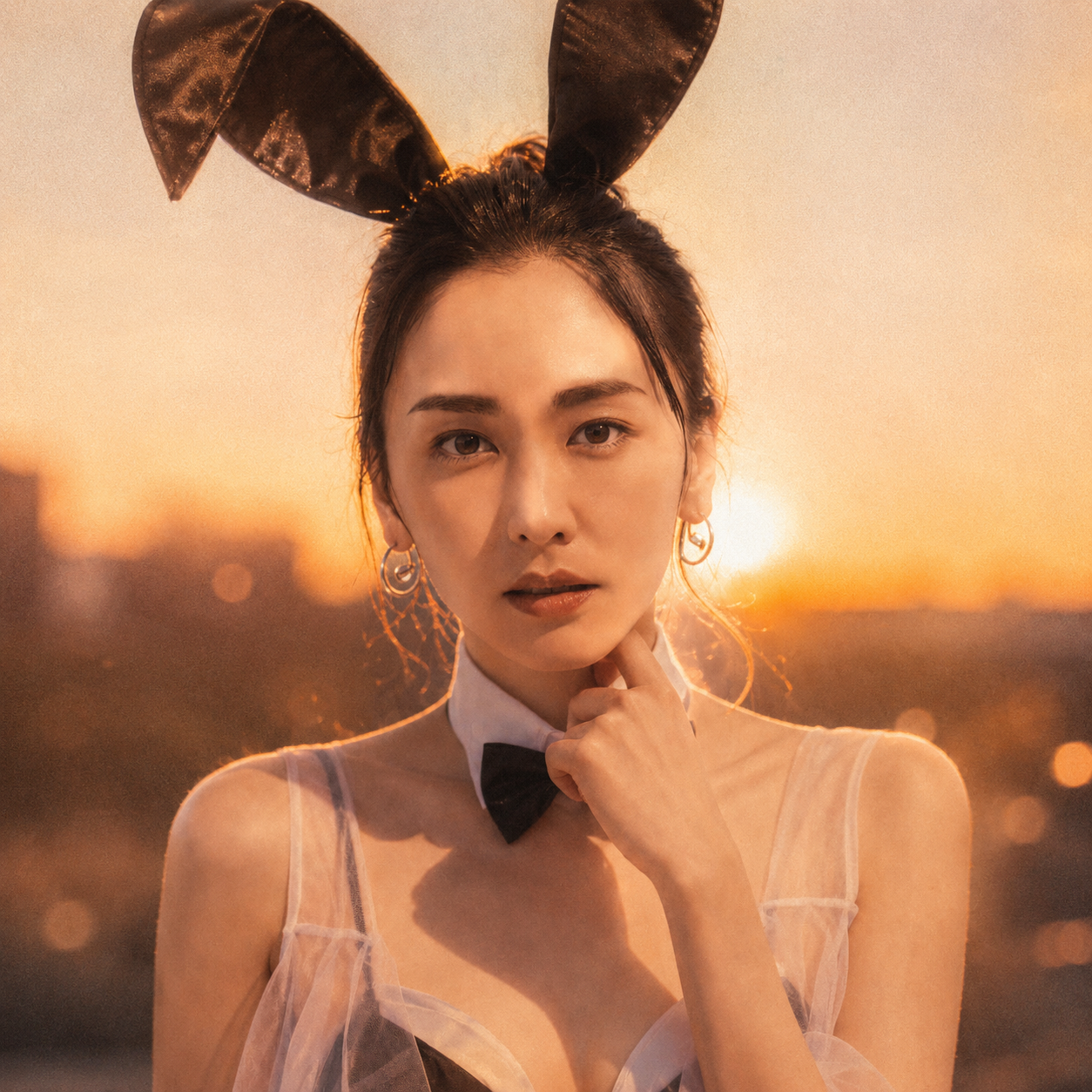

AI Baseball Broadcast Screenshot Features
Discover how Synzify turns your portrait into a realistic KBO baseball broadcast screenshot, complete with stadium crowds, TV graphics, and authentic telecast atmosphere.
Realistic Live Telecast Look
Synzify recreates the authentic look of a live KBO baseball broadcast, adding subtle motion blur, broadcast compression texture, and natural stadium lighting so your photo looks like a genuine frame caught on TV.
Stadium Crowd & Scoreboard Graphics
The AI places you in the packed stands of a professional baseball stadium and overlays broadcast-style TV graphics — scoreboard, inning, and team names — for a convincing caught-on-camera fan moment.
Keeps Your Face Recognizable
Intelligent facial mapping preserves your real features and natural skin tones, so you stay clearly recognizable as the fan in the broadcast while everything around you transforms into the game-day scene.
Viral-Ready in Seconds
Upload a selfie and generate a high-definition baseball broadcast screenshot in seconds — perfect for viral social posts, avatars, and fan content with no editing skills required.
How to Make an AI Baseball Broadcast Screenshot with Synzify
Follow this simple guide to turn any selfie into a realistic KBO baseball broadcast screenshot with stadium crowds, scoreboard graphics, and authentic telecast atmosphere.
Upload a Clear Selfie or Portrait
Start by uploading a clear, high-resolution selfie or portrait. A well-lit photo with a visible face helps the AI place you convincingly in the stadium stands and keep your features recognizable.
Tips: A front-facing or three-quarter selfie works best, and a relaxed or slightly surprised expression sells the viral 'the fan cam just found me' moment — it reads as a genuine candid caught on the live feed.
Apply the Baseball Broadcast Prompt
Click Create to let Synzify apply the optimized KBO baseball broadcast prompt. The AI adds stadium crowds, TV scoreboard graphics, motion blur, and broadcast texture for an authentic live telecast look.
Tips: The prompt is pre-tuned to recreate what made the trend go viral: a telephoto broadcast-camera feel with shallow depth of field, top-of-frame scoreboard and team-name overlays, and the 'jumbotron just panned to you' framing — no prompt writing needed.
Download in HD and Share
Once the transformation is complete, download your high-definition baseball broadcast screenshot and share it on TikTok, Instagram, Threads, or YouTube as viral baseball fan content.
Tips: Keep the 16:9 broadcast frame and authentic Korean stadium lighting intact when you post — that telecast look paired with the 'caught on camera' hook is what stops the scroll and drives the viral KBO fan-cam reaction.
KBO Baseball Broadcast AI Prompt Templates
Copy a ready-to-use baseball broadcast prompt, paste it into the generator, and turn any selfie into a viral KBO stadium fan-cam screenshot.
Fan Cam Caught
Transform the uploaded photo into a realistic KBO fan-cam broadcast screenshot. Place the subject naturally in the packed stadium crowd, captured by a telephoto broadcast camera with shallow depth of field and subtle handheld shake. Add scoreboard and team-name overlays. Make it look like the jumbotron camera just caught them, with a natural slightly surprised expression. HD broadcast texture, 16:9 framing.
Cheering Crowd Moment
Transform the uploaded photo into a live KBO broadcast screenshot of the subject cheering in the stands. Place them among an excited crowd, telephoto broadcast camera style, motion-blurred energy, authentic Korean stadium lighting, and a scoreboard graphics overlay. Candid celebratory moment, HD with broadcast compression, 16:9.
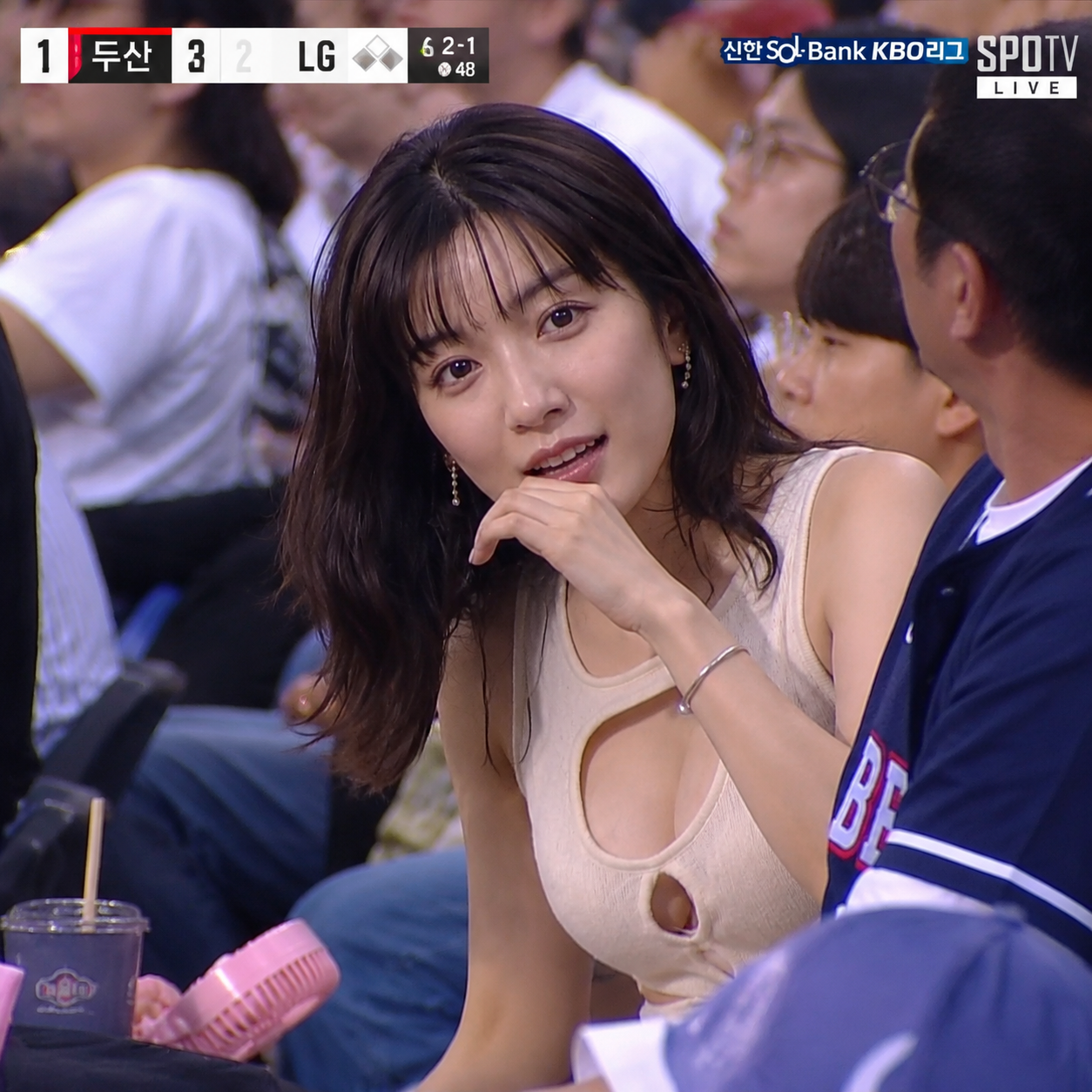
Kiss Cam Style
Transform the uploaded photo into a stadium kiss-cam style broadcast screenshot. Frame the subject with an on-screen kiss-cam heart graphic overlay, seated in the stadium crowd, telephoto broadcast look, shallow depth of field, and Korean stadium lighting. Fun candid moment, HD broadcast texture, 16:9 framing.
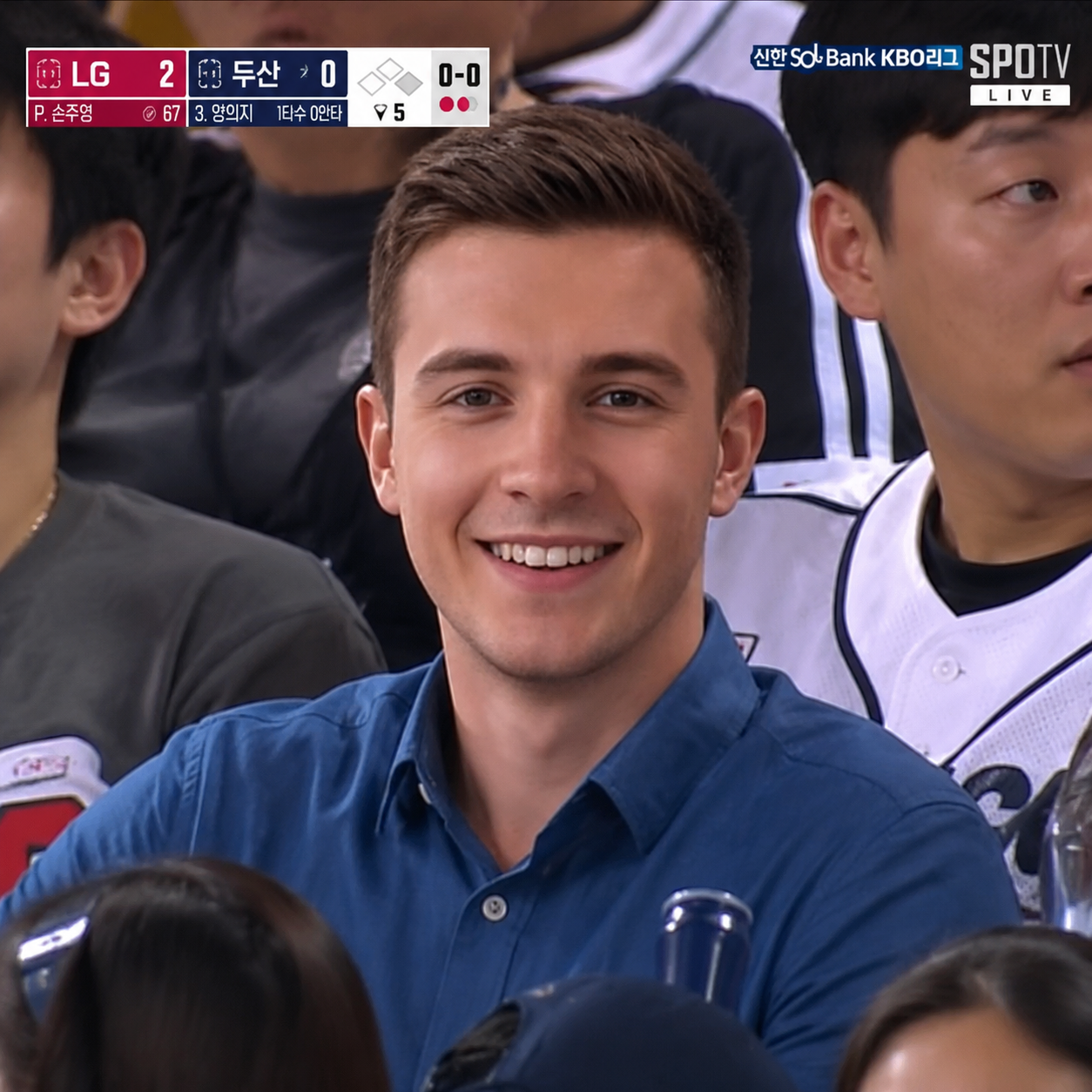
Reaction Replay
Transform the uploaded photo into a KBO broadcast reaction shot, as if the camera cut to the subject reacting to a big play. Place them in the stands with an animated, surprised or excited expression, telephoto broadcast camera, scoreboard overlay, subtle motion blur, and authentic stadium lighting. HD broadcast still, 16:9.
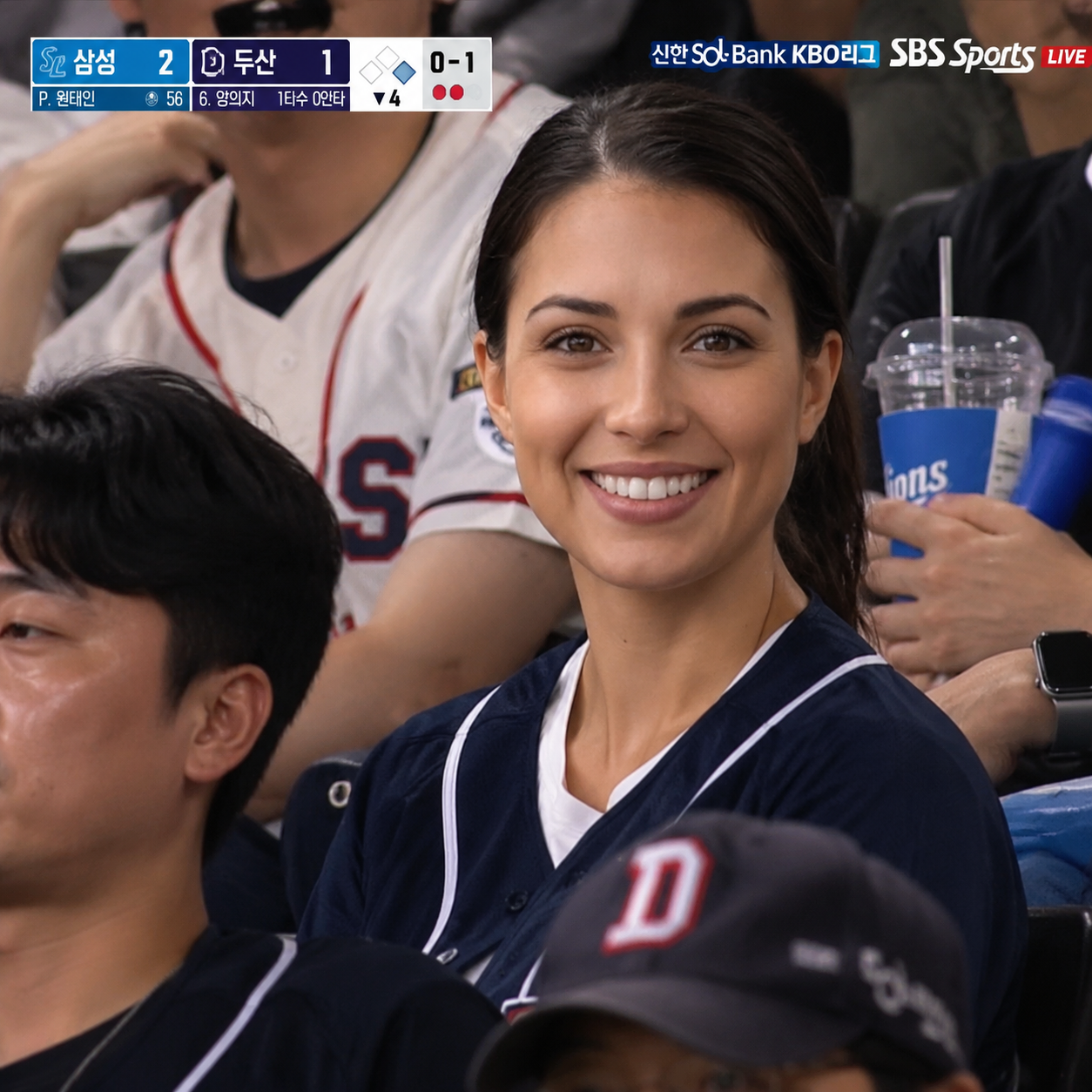
VIP Box Telecast
Transform the uploaded photo into a KBO broadcast screenshot of the subject watching from a premium stadium box. Use a telephoto broadcast camera, shallow depth of field, classy box seating, scoreboard and team-name overlays, and natural Korean stadium lighting. Candid televised moment, HD broadcast texture, 16:9.
Night Game Telecast
Transform the uploaded photo into a night-game KBO broadcast screenshot. Place the subject in the floodlit stadium crowd under the night sky, telephoto broadcast camera style, glowing stadium lights, scoreboard overlay, and subtle handheld shake. Atmospheric candid fan-cam moment, HD broadcast compression, 16:9.
AI Baseball Broadcast Screenshot FAQ
Find answers to common questions about creating AI baseball broadcast screenshots that turn your portrait into a realistic KBO stadium fan caught on a live TV telecast.
Flexible AI Pricing
Pay-as-you-go credits or subscription plans. No hidden fees, cancel anytime.