



Ghostface AI Photo Generator
Transform your selfies into chilling Scream-inspired Ghostface horror photos with cinematic lighting and authentic movie-still atmosphere.
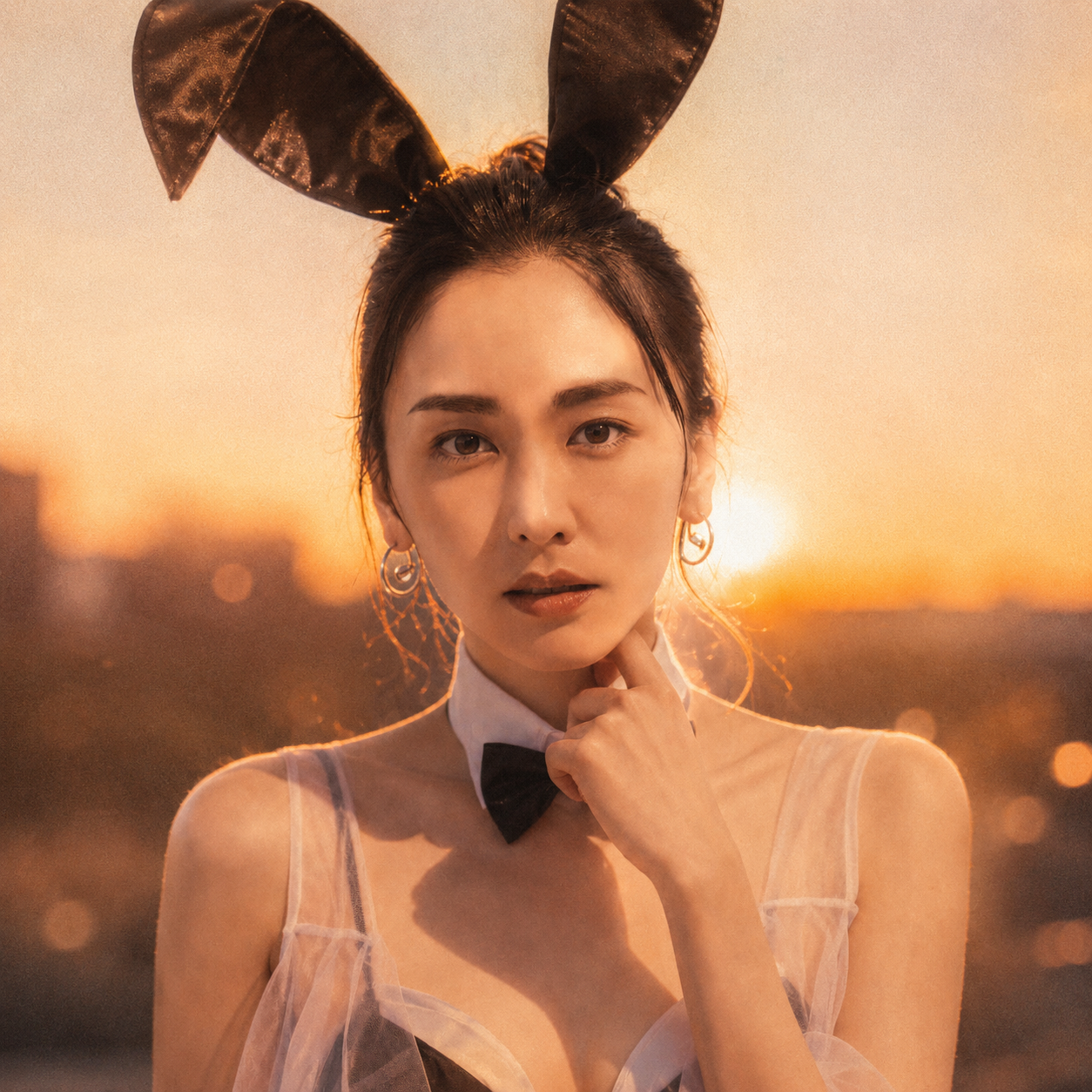
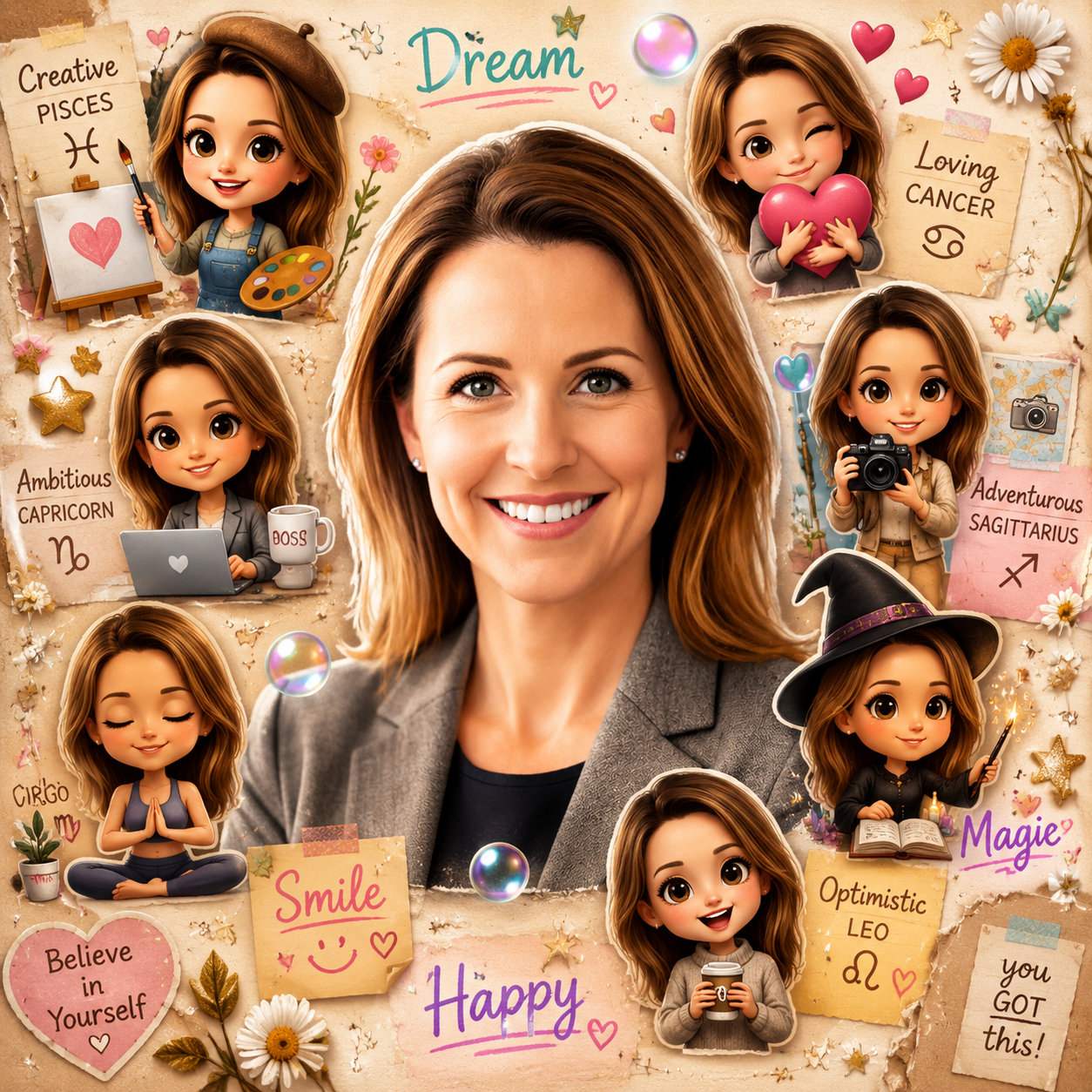
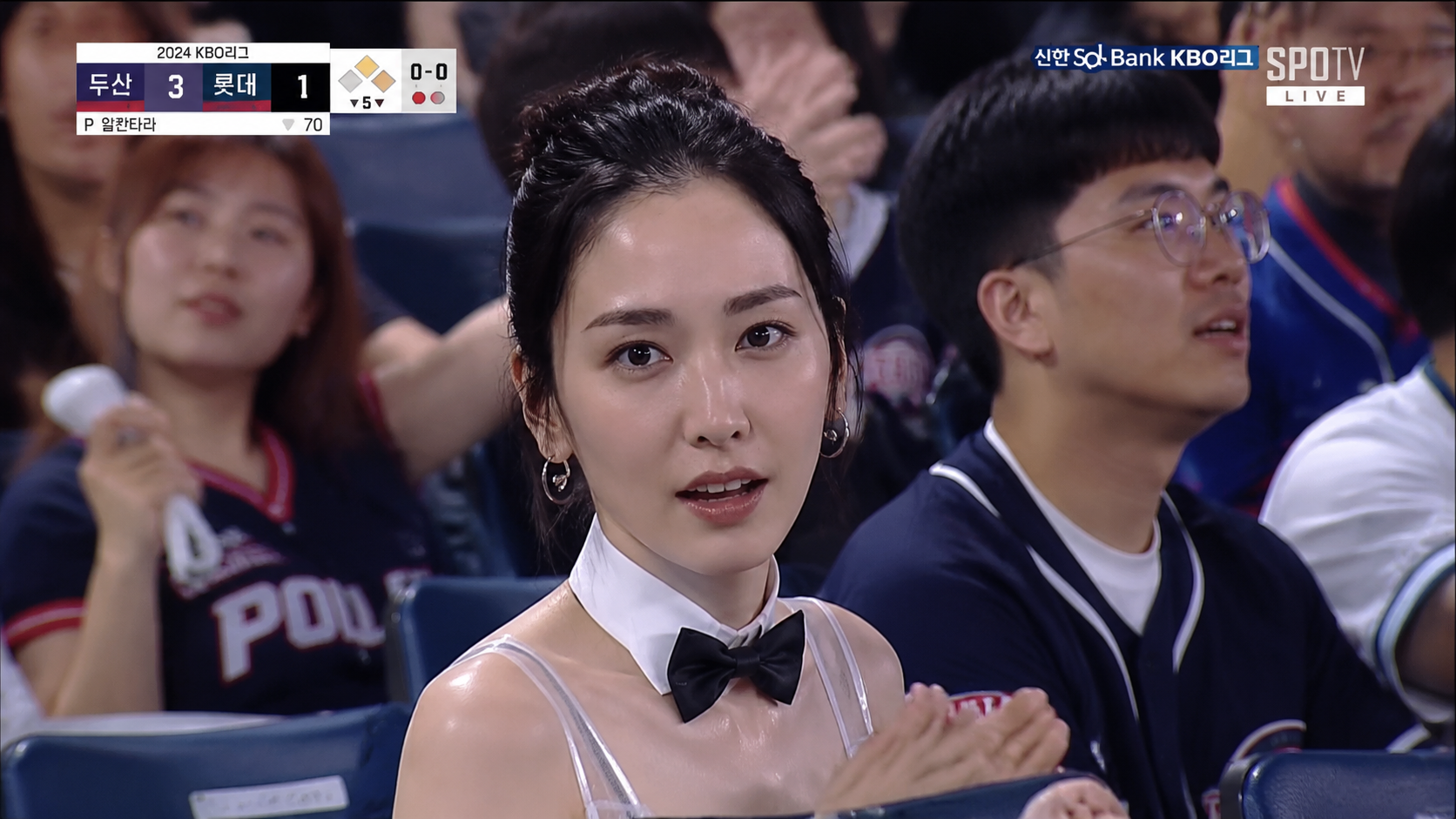
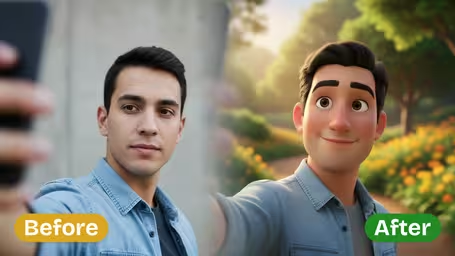
Ghostface AI Photo Generator Features
Discover how Synzify's Ghostface AI photo generator turns your selfies into chilling Scream-inspired horror scenes while keeping your face and identity intact.
Cinematic Scream-Inspired Horror
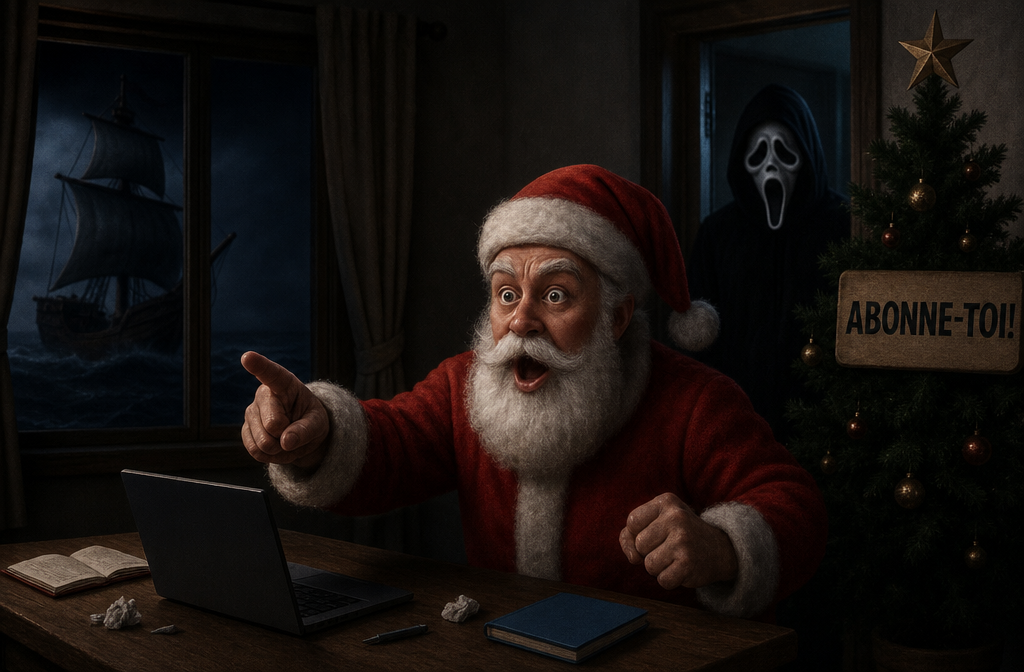
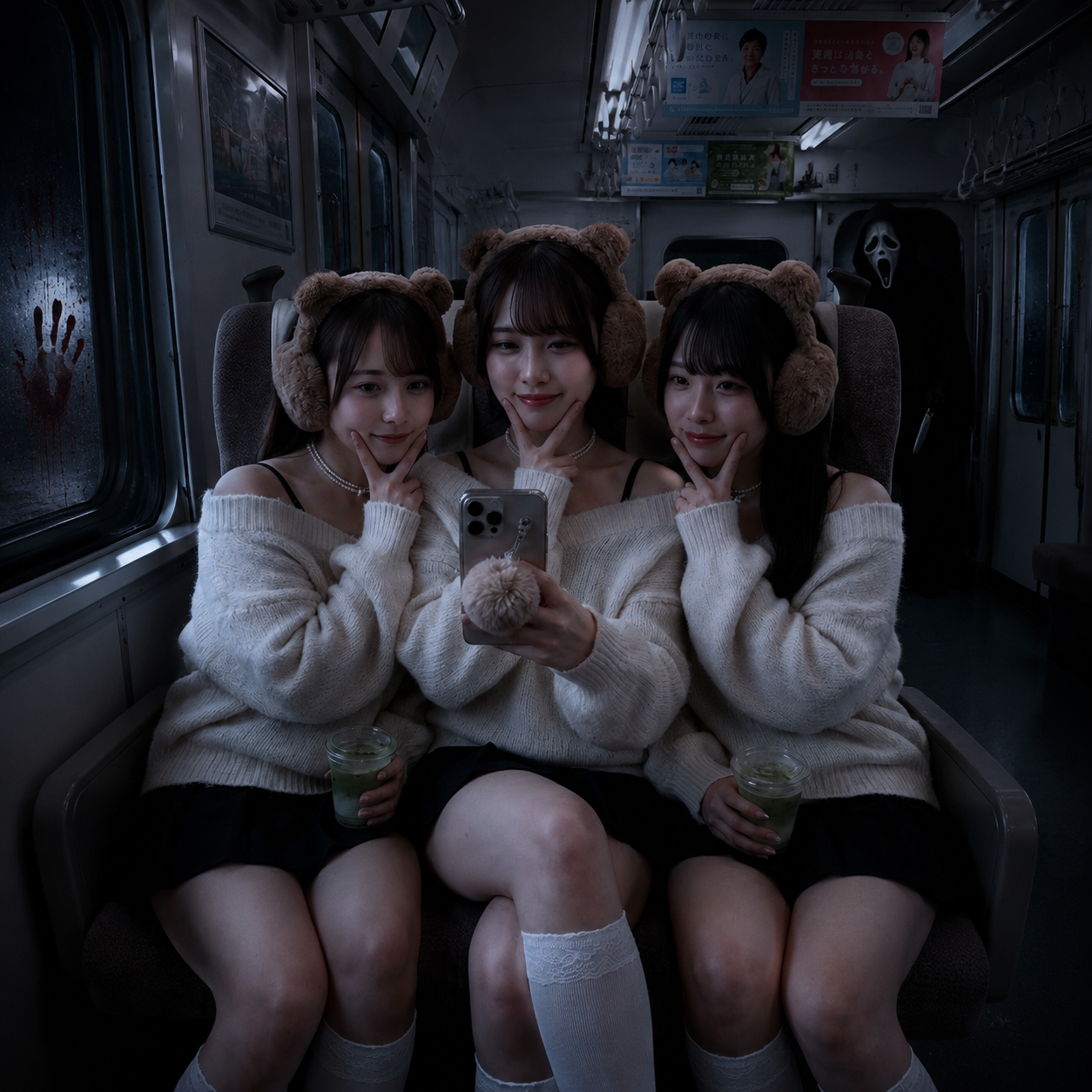
Drop the iconic Ghostface killer into your photo with a white ghost mask and black hooded robe, lurking in shadow, a doorway, or a mirror reflection for a truly chilling Scream-style scene.
Movie-Still Realism
Advanced AI adds cinematic horror lighting, realistic textures, and a dark, moody atmosphere so every result looks like a frame pulled straight from a real horror movie.
Preserve Your Face and Identity
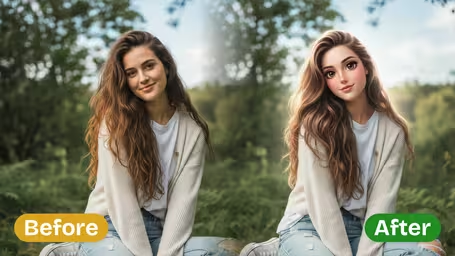
Intelligent facial mapping keeps your face, pose, and expression intact, so you stay recognizable while the horror unfolds around you in the final photorealistic image.
Built for Halloween Speed
Generate share-ready Ghostface horror photos in seconds, perfect for last-minute Halloween posts, spooky avatars, and viral social media content.
How to Create a Ghostface AI Photo with Synzify
Follow this simple guide to use Synzify's Ghostface AI photo generator and turn any selfie into a chilling Scream-inspired horror scene in seconds.
Upload Your Selfie
Start by uploading the selfie you want to transform. Choose a clear, well-lit photo so the AI can accurately preserve your face, pose, and identity in the final horror scene.
Tips: A sharp, front-facing solo selfie gives the AI the most to work with — your face stays crisp in the foreground while Ghostface creeps into the background. Skip group shots or blurry frames if you want that menacing, just-spotted-him feeling.
Choose the Ghostface Scene
Select or keep the built-in Ghostface scene prompt. The AI will add the iconic masked killer lurking in shadow, a doorway, or a mirror reflection behind or beside you.
Tips: Placement is what makes it terrifying. Tuck Ghostface into a mirror reflection, half behind a cracked-open door, or dissolving into the shadows instead of front and center — it reads far creepier and is what fuels the most-shared shots.
Generate and Download
Click Create and let the AI work. In just a few seconds you'll get a photorealistic, movie-still Ghostface horror photo ready to download and share.
Tips: For the most viral look, lean into a dim Y2K-horror bedroom or a dark, narrow corridor — those moody compositions are the ones trending across feeds. Save and post during Halloween season when spooky Ghostface scenes spread the fastest.
Ghostface AI Prompt Templates
Copy a ready-to-use Ghostface scene prompt, paste it into the generator, and create your own Scream-inspired horror photo in seconds.
Mirror Reflection Scare
Transform the uploaded photo into a chilling mirror selfie where Ghostface appears in the reflection behind the subject. Keep the subject's face and pose realistic, and place the white-masked Ghostface looming in the background reflection under dim bedroom or bathroom lighting. Cinematic horror atmosphere, film-still quality, photorealistic.
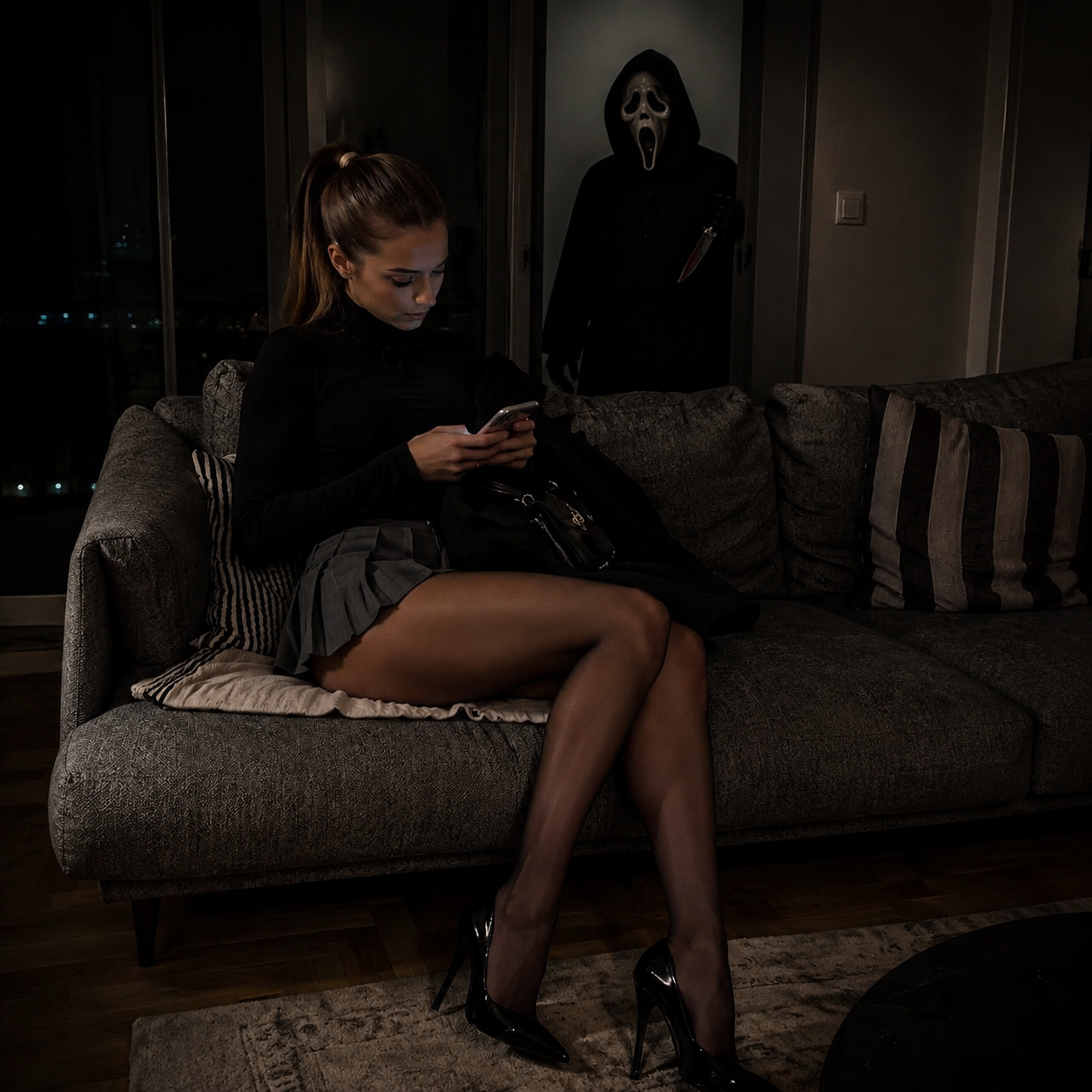
Doorway Lurker
Transform the uploaded photo into a tense horror scene where Ghostface lurks half-hidden in a dark doorway behind the subject. Keep the subject in the foreground looking natural and unaware. Deep shadows, dim moody lighting, suspenseful Scream-movie composition, realistic textures.
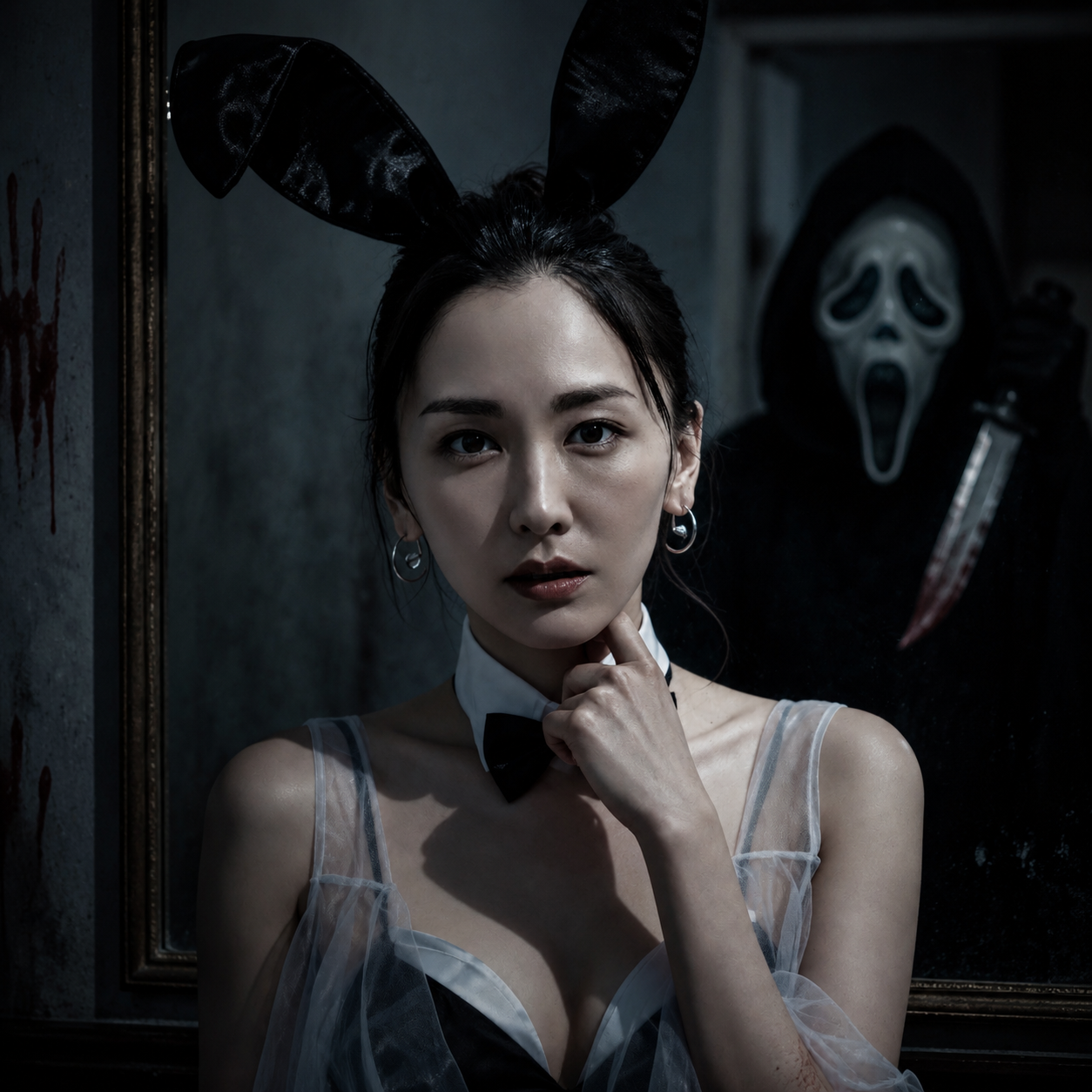
Y2K Horror Bedroom
Transform the uploaded photo into a Y2K-style horror scene: the subject on a satin-covered bed with a vintage corded phone, while Ghostface looms in the bedroom doorway. Pink and red moody tones, nostalgic early-2000s horror aesthetic, cinematic lighting, subtle film grain.
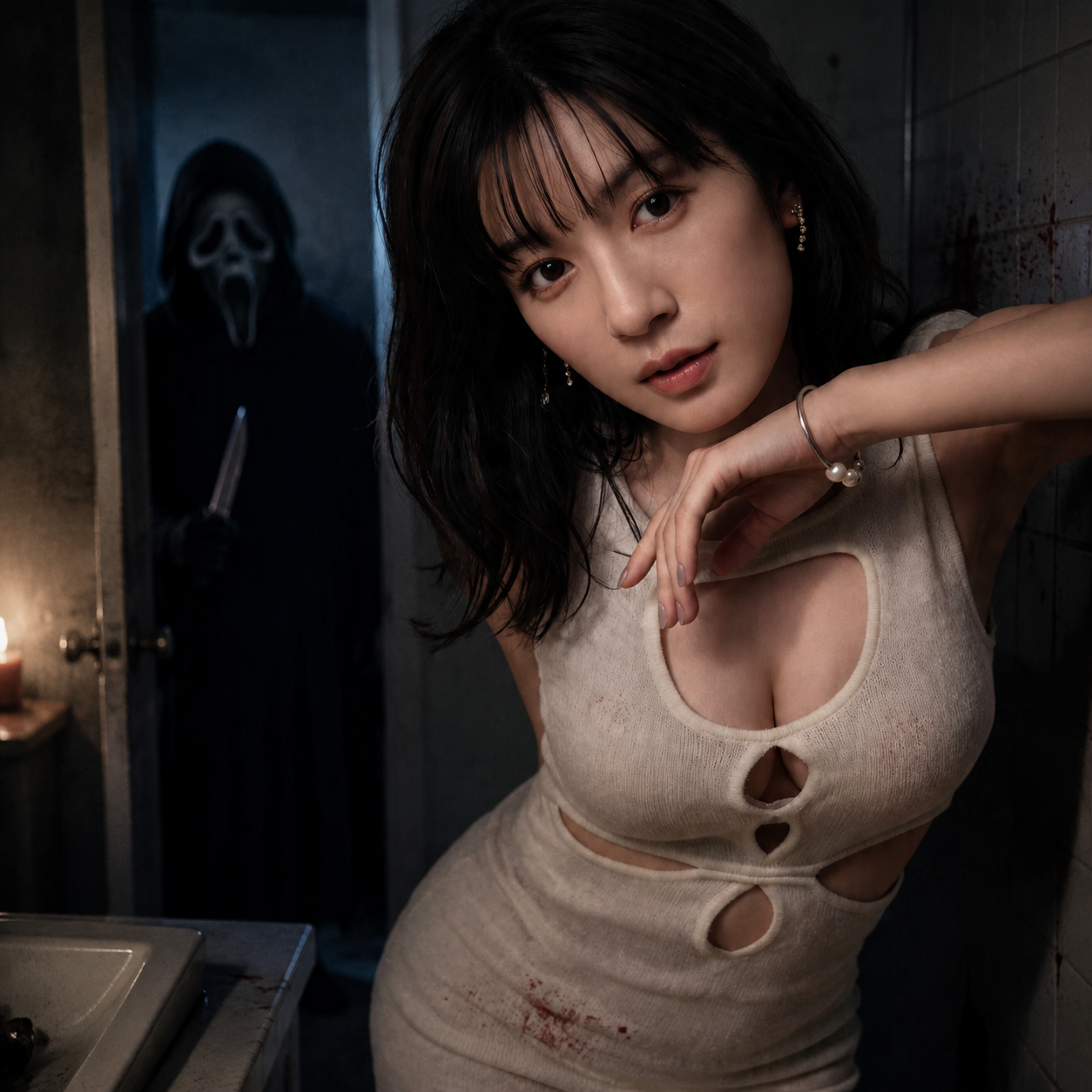
Polaroid Ghostface
Transform the uploaded photo into a vintage polaroid-style portrait where a white-masked Ghostface figure stands directly behind the subject against a plain curtain background. Direct flash photography look, slight grain, eerie and uncanny mood, photorealistic.
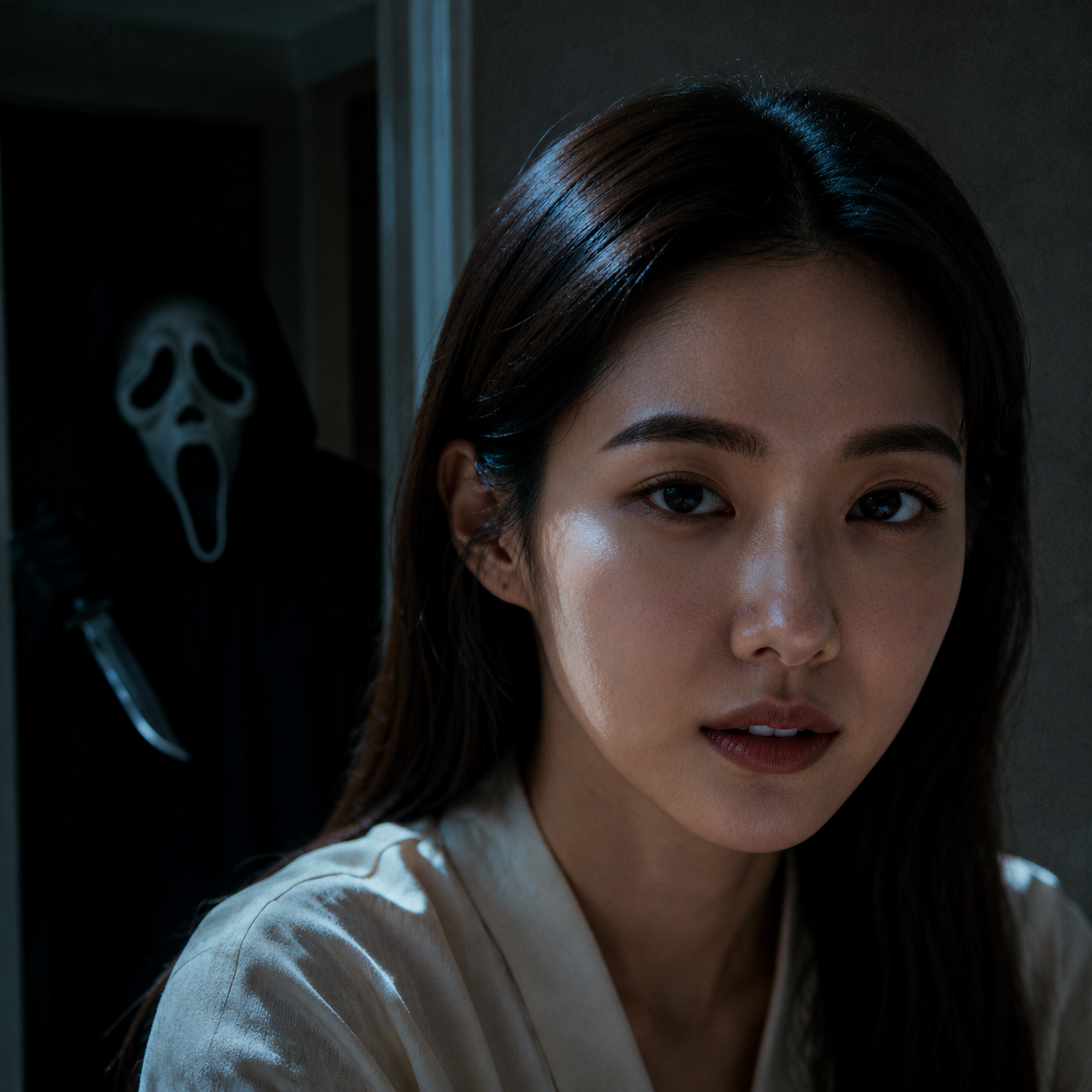
Dark Corridor Chase
Transform the uploaded photo into a cinematic horror still set in a dark hallway, with Ghostface emerging from the shadows down the corridor behind the subject as they turn around. Motion-blurred suspense, dramatic low lighting, Scream-inspired tension, photorealistic.
Halloween Costume Shoot
Transform the uploaded photo into a stylish Halloween portrait featuring the subject posed alongside Ghostface for a moody seasonal photo. Autumn and Halloween props, a warm-cool horror color grade, polished and social-media-ready, photorealistic.
Ghostface AI Photo Generator FAQ
Find answers to common questions about turning your selfies into chilling Scream-inspired Ghostface horror photos. Learn how realistic the results are, what devices are supported, and how your data is handled.
Flexible AI Pricing
Pay-as-you-go credits or subscription plans. No hidden fees, cancel anytime.