



AI Lofi Dusk Filter
Turn your portraits into cinematic Instagram dusk photos with glowing streetlights, dreamy bokeh, neon shadows, and moody evening aesthetics.

AI Lofi Dusk Filter Features
Discover how Synzify's AI Lofi Dusk filter turns everyday portraits into cinematic Instagram night photos while keeping your face, pose, and identity intact.
Cinematic Dusk Lighting
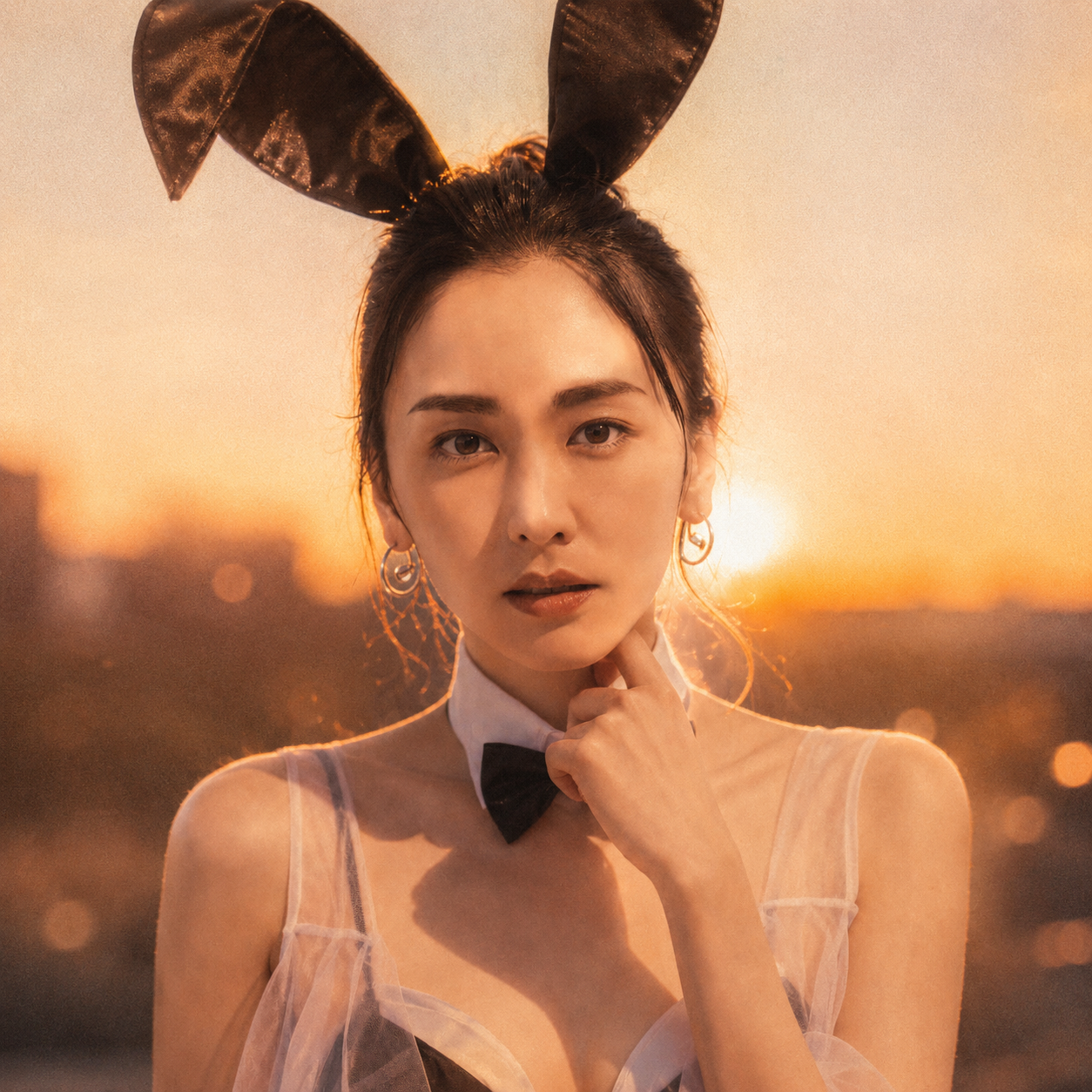
The AI adds a strong white backlight, glowing rim light around the hair and shoulders, and a soft front flash to recreate the dramatic evening glow that makes Lofi Dusk portraits look like real DSLR night photography.
Dreamy Bokeh & Moody Atmosphere
Shallow depth of field, dreamy haze, subtle bloom, and fine film grain blur the night background into soft bokeh, giving every shot the hazy, neon-tinted mood of a viral aesthetic portrait.
Preserve Your Identity
Intelligent facial mapping keeps your face, pose, outfit, and hairstyle exactly as they are, so the cinematic dusk effect enhances the photo without changing who you are in the final image.
Instant One-Click Results
No editing skills needed — upload a portrait, apply the Lofi Dusk prompt, and download a polished cinematic night photo in seconds, ready to post to Instagram, TikTok, or use as a wallpaper.
How to Make Warm Dusk Photos with the Synzify AI Lofi Dusk Filter
Follow this simple guide to use Synzify's AI Lofi Dusk filter and turn any portrait into a viral cinematic Instagram photo with warm golden-hour tones, soft hazy glow, and dreamy bokeh.
Upload a Selfie, Portrait, or Street Photo
Start by uploading a selfie, portrait, or street-style shot. Single-subject photos give the AI the best base to place the warm dusk light, soft glow, and dreamy bokeh exactly where they belong.
Tips: Portraits, selfies, fashion, street, cafe, and rooftop shots all shine with the Lofi Dusk look. Your original lighting doesn't have to be perfect — the AI regrades the photo into warm, peachy golden-hour tones for you.
Choose or Paste the Lofi Dusk Style Prompt
Select the Lofi Dusk style or paste the prompt to define the warm dusk aesthetic. The AI uses it to add the golden-hour color grade, soft backlight, hazy glow, peachy highlights, and film grain that make the look pop.
Tips: Lean into 'golden hour' or 'warm peachy tones' in the prompt for a stronger dusk glow, soft hazy light, and dreamy bokeh. Keep your face, pose, and outfit in frame so the filter preserves your identity while regrading the scene.
Generate and Download
Click Create to generate your warm dusk portrait, then download the finished image. Use it for Instagram, TikTok, or set it as a dreamy golden-hour phone wallpaper.
Tips: Save a backup of your original photo so you can re-run it with different prompts — dial the warm tones, haze, and bokeh up or down until the dusk mood feels right.
Lofi Dusk AI Prompt Templates
Copy a ready-to-use Lofi Dusk scene prompt, paste it into the generator, and turn any photo into a warm, dreamy golden-hour portrait.
Golden Hour Rooftop
Transform the uploaded photo into a dreamy golden-hour rooftop portrait. Preserve the subject's face, pose, and outfit. Regrade the scene into warm peachy and amber dusk tones with soft hazy backlight, gentle bloom, dreamy bokeh of distant city lights, and fine film grain. Cinematic lo-fi evening mood, realistic DSLR dusk aesthetic.
Cafe Window Dusk
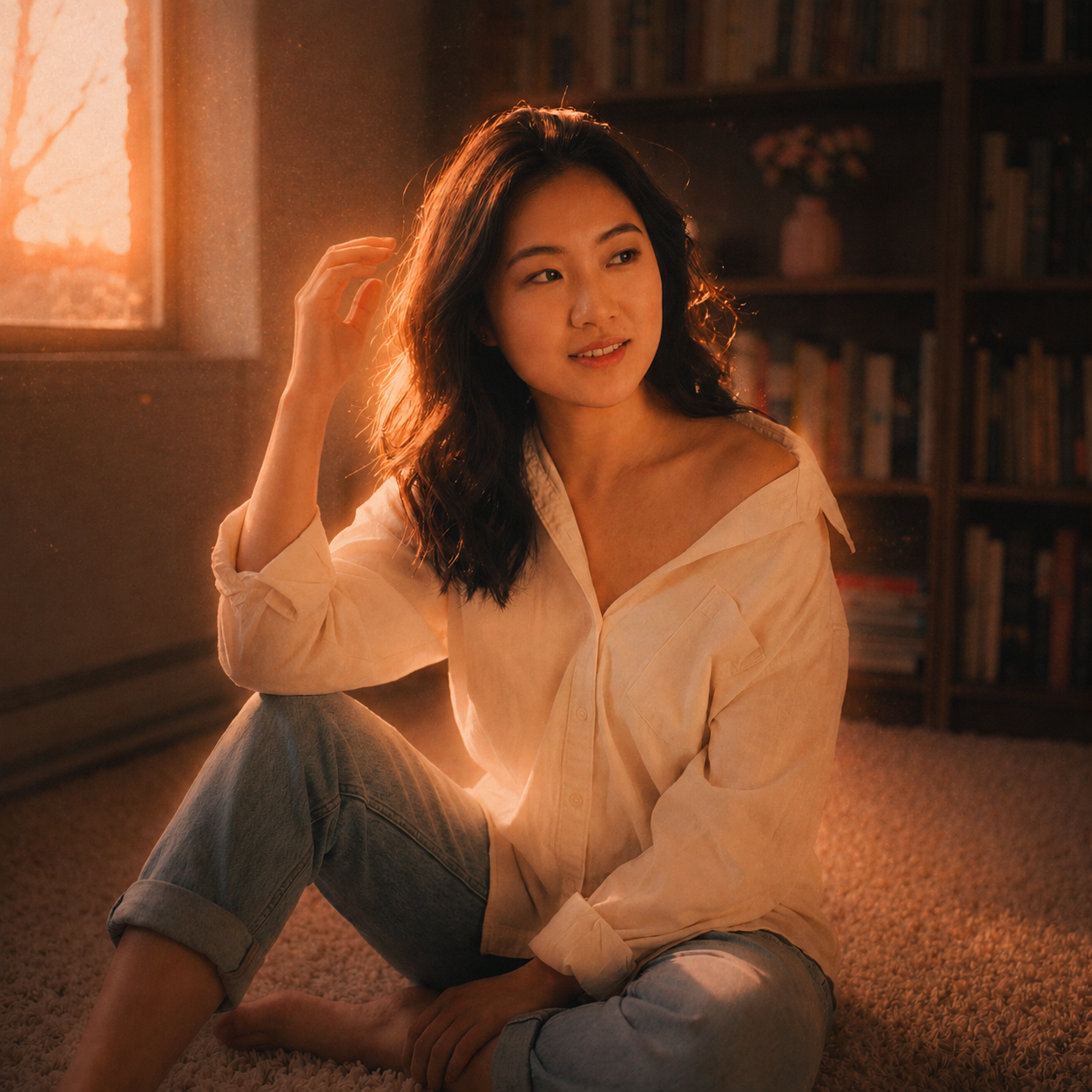
Transform the uploaded photo into a warm dusk portrait by a cafe window. Preserve the subject's identity and pose. Add soft golden-hour light streaming through the window, peachy skin tones, dreamy bokeh, a cozy hazy glow, and subtle film grain. Lo-fi Instagram dusk aesthetic, photorealistic.
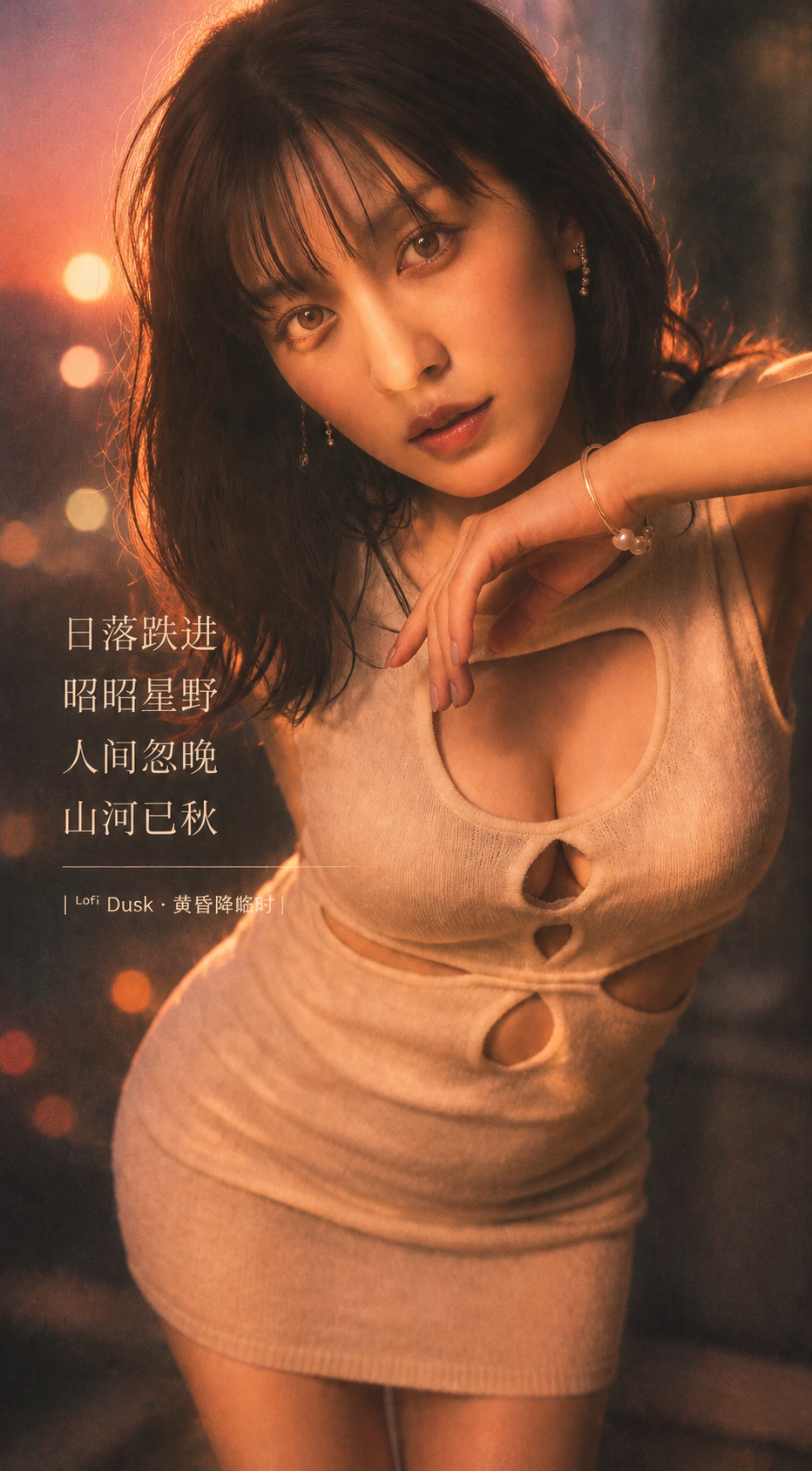
Street Neon Dusk
Transform the uploaded photo into a moody street portrait at dusk. Preserve the subject's face and outfit. Blend warm sunset tones with soft glowing streetlights and gentle neon bokeh in the background, dreamy haze, shallow depth of field, and film grain. Cinematic lo-fi dusk vibe.
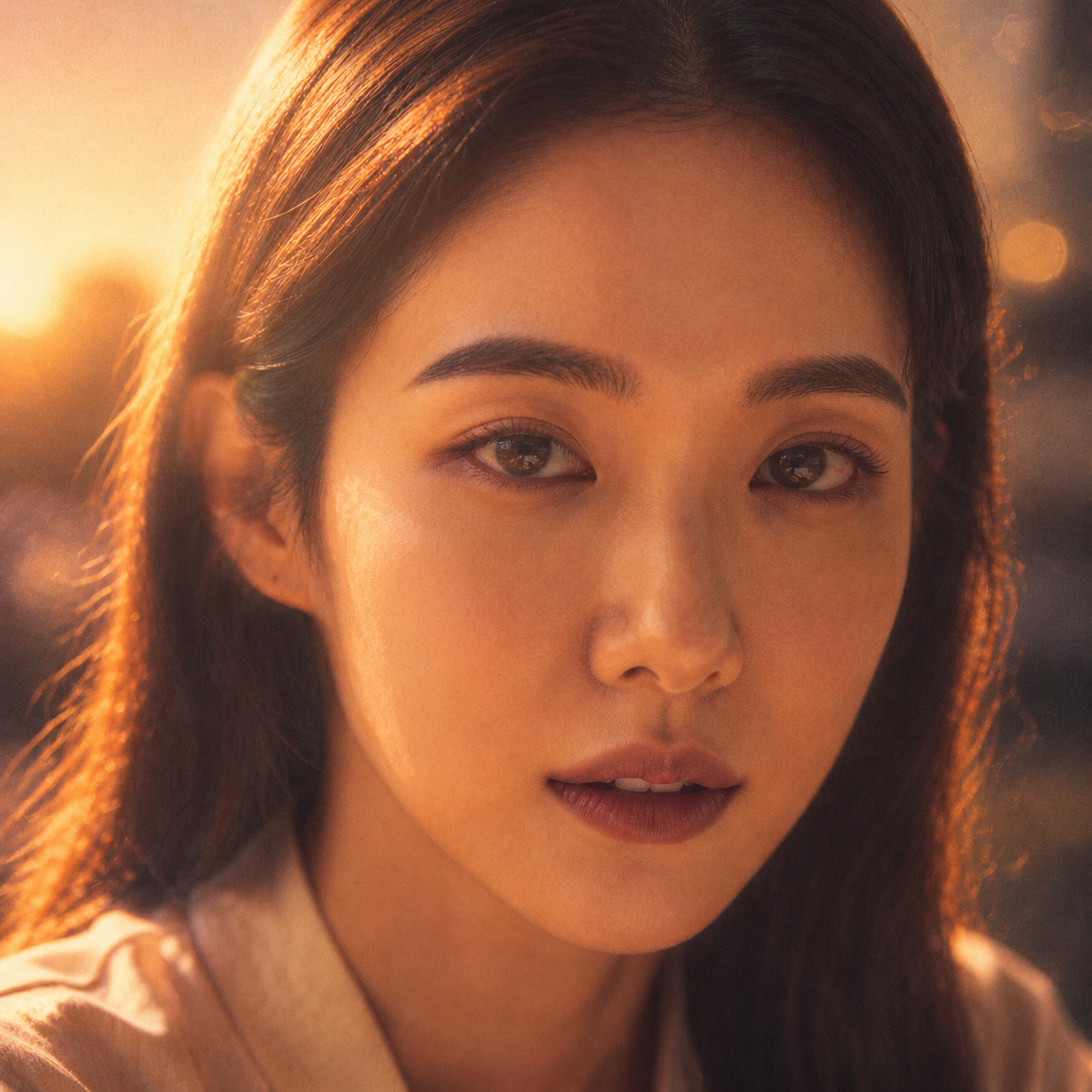
Beach Sunset Glow
Transform the uploaded photo into a warm beach sunset portrait. Preserve the subject's identity. Add a golden-hour glow, peachy and amber tones, soft rim light from the setting sun, dreamy bokeh, and a hazy dusk atmosphere. Realistic, flattering, Instagram lo-fi dusk aesthetic.
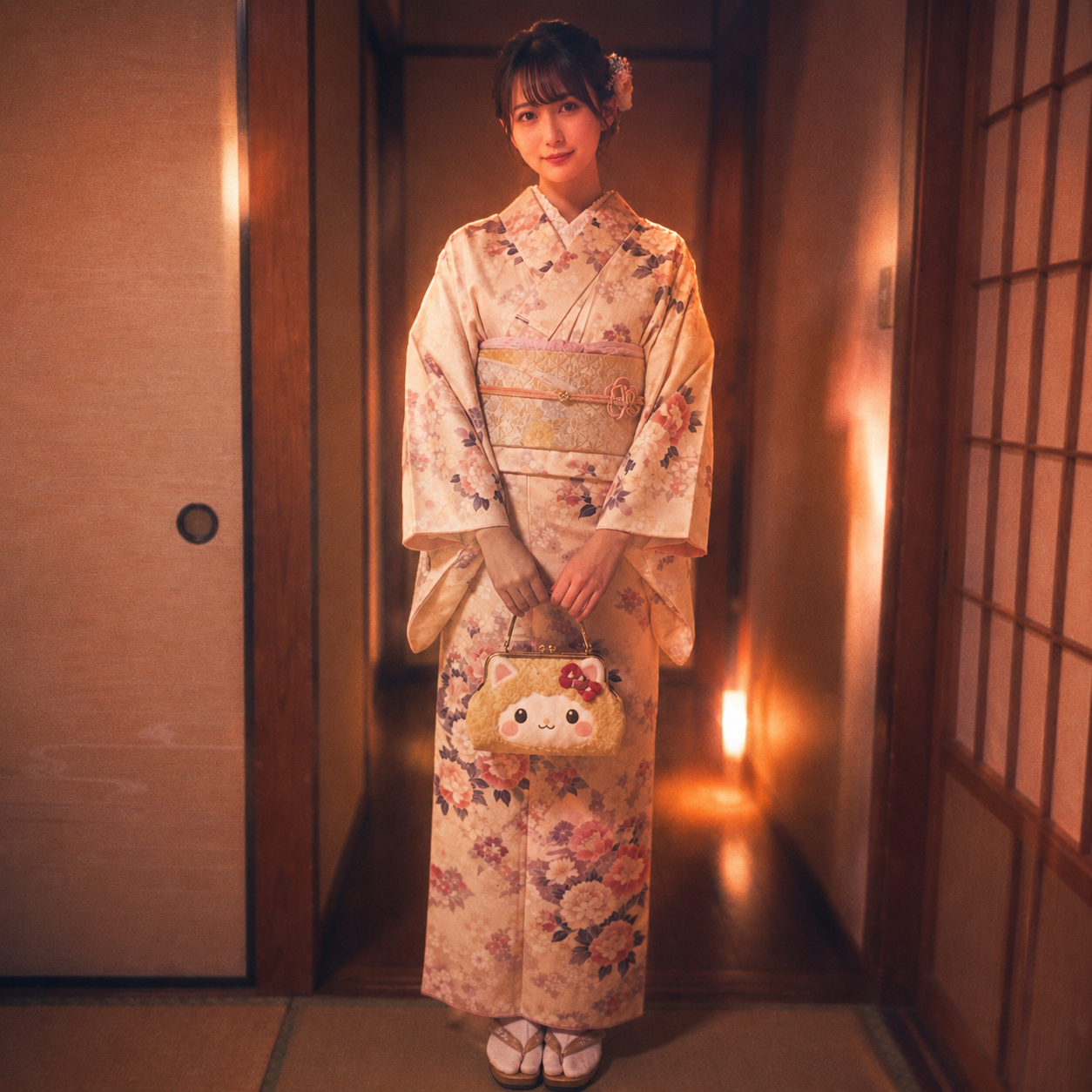
Car Window Dreamy
Transform the uploaded photo into a dreamy dusk portrait by a car window. Preserve the subject's face and pose. Add warm evening light, soft reflections on the glass, peachy tones, dreamy bokeh of passing lights, gentle haze, and film grain. Cinematic lo-fi mood.
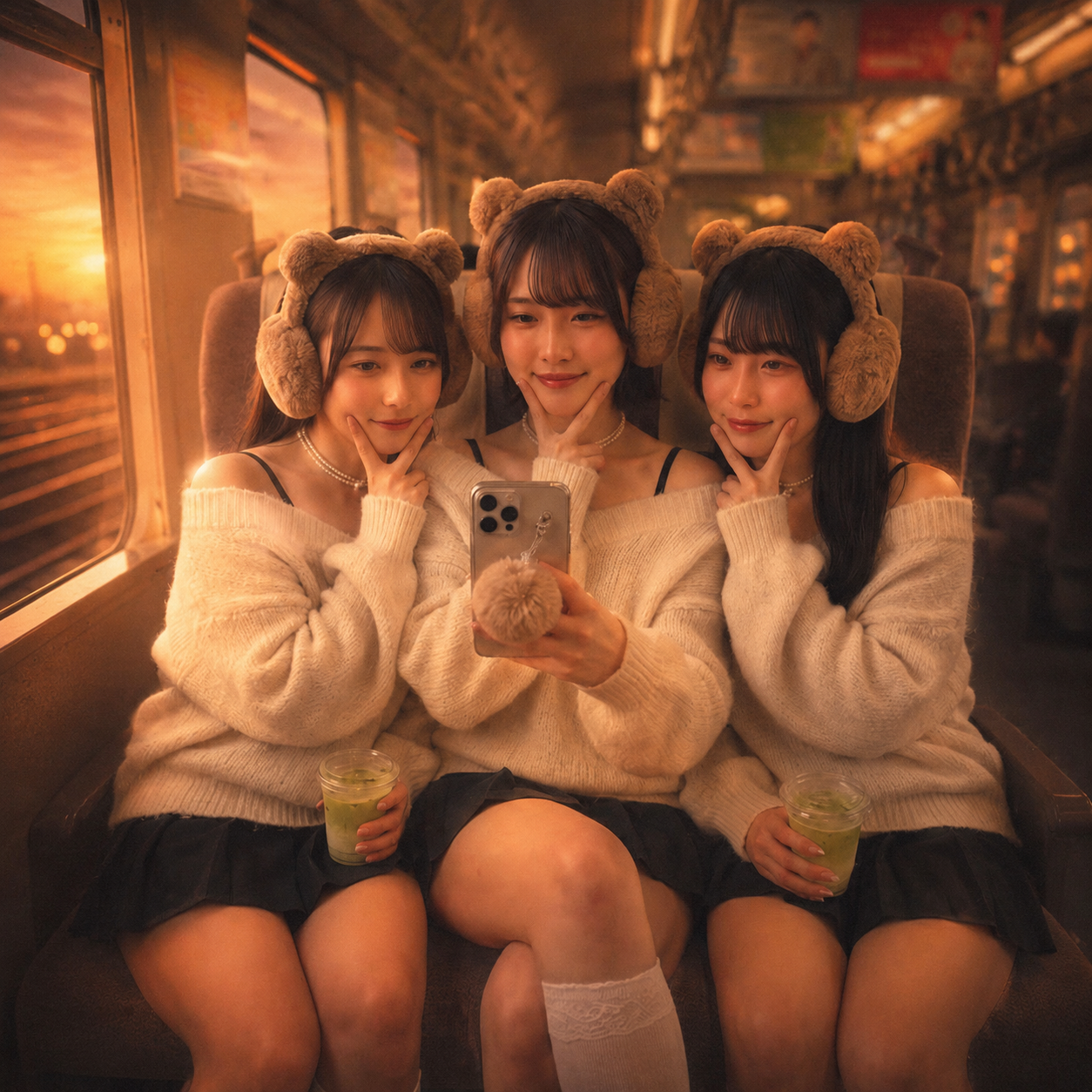
Indoor Warm Haze
Transform the uploaded photo into a cozy warm-toned indoor dusk portrait. Preserve the subject's identity. Bathe the scene in soft golden window light, peachy skin highlights, a dreamy hazy glow, subtle bloom, and fine film grain. Intimate lo-fi dusk aesthetic, photorealistic.
AI Lofi Dusk Filter FAQ
Find answers to common questions about the AI Lofi Dusk filter and how to turn your portraits into cinematic Instagram photos with warm golden-hour tones, soft hazy glow, dreamy bokeh, and a dreamy dusk aesthetic.
Flexible AI Pricing
Pay-as-you-go credits or subscription plans. No hidden fees, cancel anytime.