


AI Chibi Cartoon Style
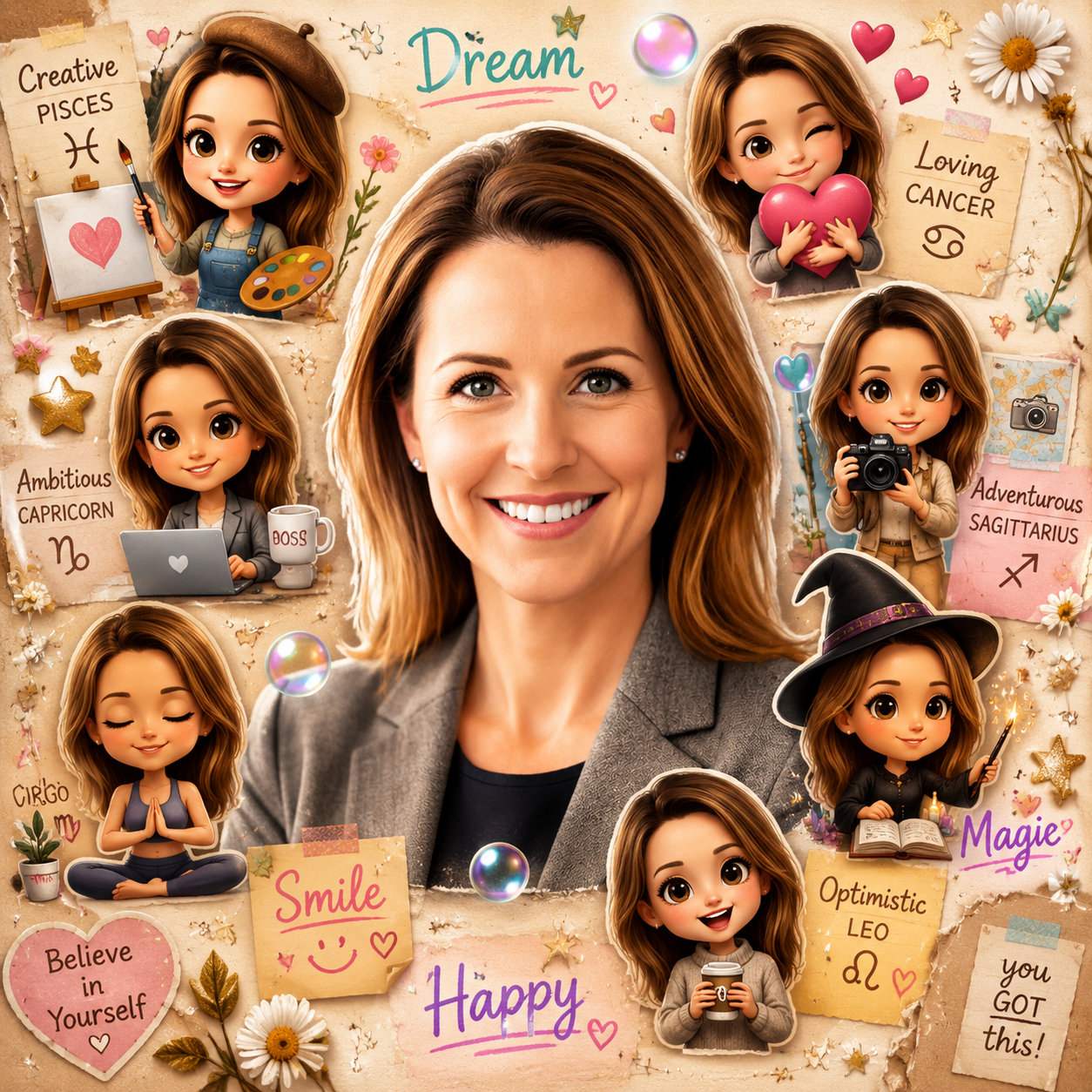
Turn your photos into viral chibi cartoon collages — keep yourself realistic in the center while cute mini 3D chibi clones, doodles, and stickers surround you.
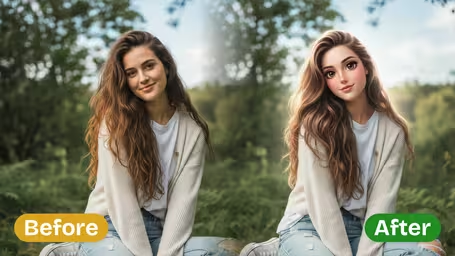


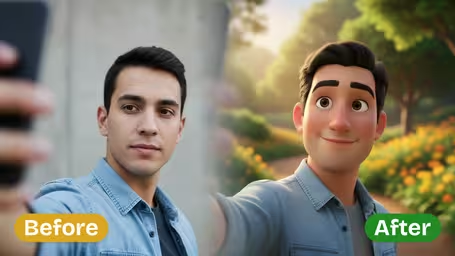
AI Chibi Cartoon Style Features
See how Synzify's chibi cartoon editor turns a single photo into a viral collage — realistic you in the center, surrounded by cute mini 3D chibi clones, doodles, and stickers.
Realistic You, Cartoon World
Keep your main subject realistic and instantly recognizable in the center while the AI builds a playful chibi cartoon world around them, blending a real photo with adorable cartoon energy.
Cute Mini 3D Chibi Clones
Generate multiple mini 3D chibi versions of the same person — big heads, tiny bodies, playful poses, and smiling expressions — scattered around the frame for a fun, eye-catching collage.
Doodles, Stickers & Sparkles
Layer in soft sticker edges, glowing bubbles, hearts, sparkles, and handwritten doodle words like 'Dream', 'Smile', 'Happy', and 'Magic' for a colorful, social-media-ready look.
Thumbnail-Ready in Seconds
Produce vibrant, scroll-stopping collages optimized for thumbnails and social posts, so your chibi cartoon edit is ready to share the moment it's generated.
How to Create a Chibi Cartoon Collage with Synzify AI
Follow these three simple steps to turn any photo into a viral chibi cartoon collage with a realistic you in the center, surrounded by cute mini 3D chibi clones, doodles, and stickers.
Upload Your Photo
Start by uploading a clear selfie, portrait, or group photo. A well-lit, high-resolution image helps the AI keep your main subject realistic and recognizable in the center of the collage.
Tips: A single clear subject is the most reliable choice — a solo selfie or half-body shot keeps your face sharp so every mini chibi clone preserves your likeness. Group photos work, but one well-lit subject gives the cleanest, most recognizable results.
Select or Paste the Chibi Prompt
Choose the chibi cartoon style or paste the prompt, then tweak it as needed — adjust the number of chibi clones, the doodle words, or the sticker accents to match your vibe.
Tips: Ask for 6 to 12 mini 3D chibi clones around your center self, and give each one a different personality or zodiac trait. Add scrapbook-style doodles, bubbles, and handwritten words to nail the viral Yumi's Cells poster look and make the collage feel personal.
Generate, Preview & Download
Click Create to generate your chibi cartoon collage, then preview the result, refine the prompt if needed, and download the final thumbnail-ready image to share on social media.
Tips: Check that the real you stays crisp and centered while the chibi clones and doodles frame you without crowding the middle. Keep an original backup so you can re-run with new zodiac traits or doodle words until the collage is share-ready.
Chibi Cartoon AI Prompt Templates
Copy a ready-to-use chibi collage prompt, paste it into the generator, and turn your photo into a viral mini 3D chibi cartoon collage.
Zodiac Chibi Poster
Transform the uploaded real photo into a chibi cartoon collage poster. Keep the main person realistic in the center, and surround them with multiple cute 3D chibi mini-me clones, each styled to represent a different zodiac sign or personality trait. Add hand-drawn scrapbook doodles, sparkles, and handwritten zodiac words. Colorful, cute, Yumi's Cells poster style.
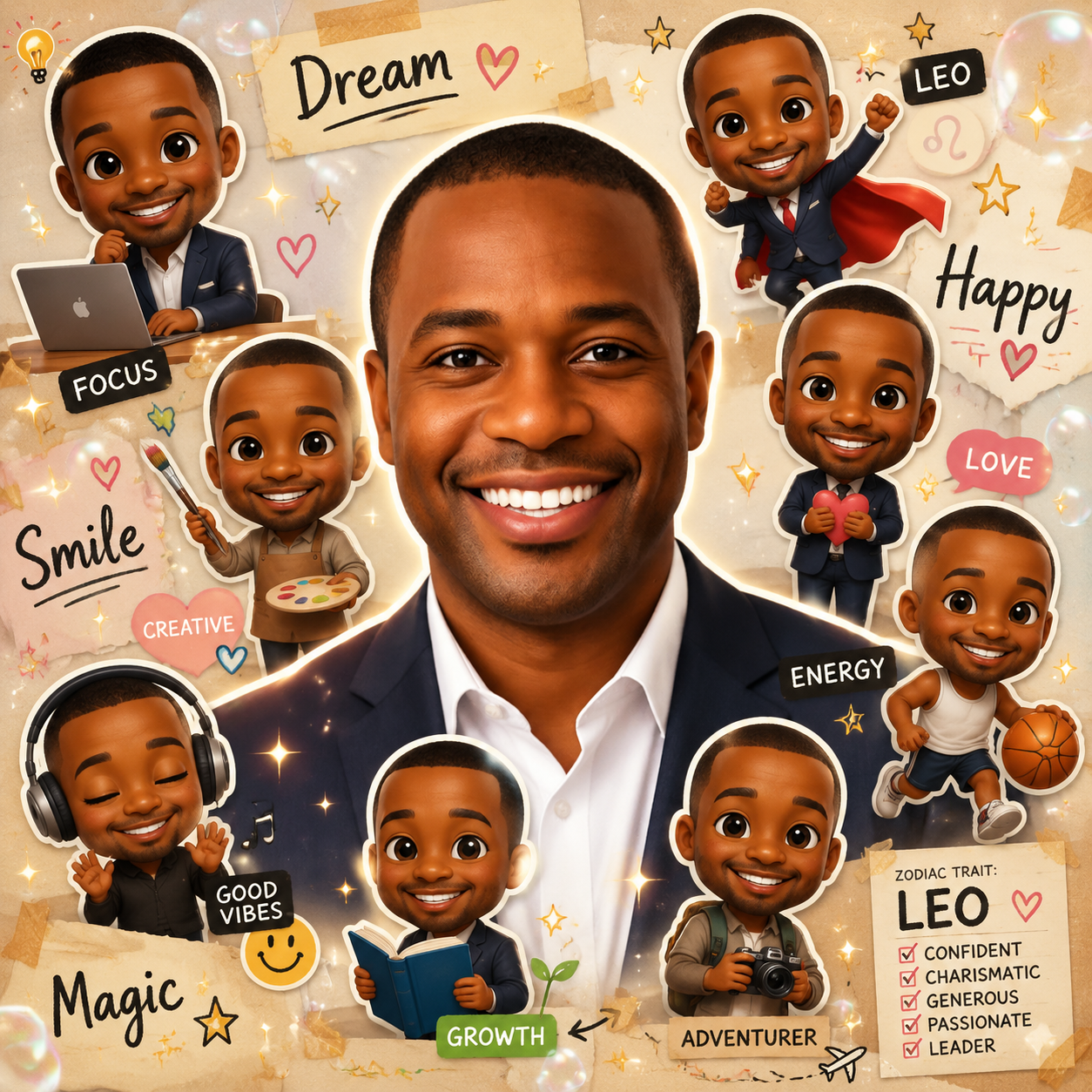
Yumi's Cells Style
Transform the uploaded real photo into a viral Yumi's Cells-style chibi collage. Keep the central person realistic and recognizable, surrounded by 6 to 12 tiny 3D chibi versions with big heads, playful poses, and emotional expressions. Add soft sticker edges, glowing bubbles, hearts, and handwritten doodles. Cute social-media thumbnail look.
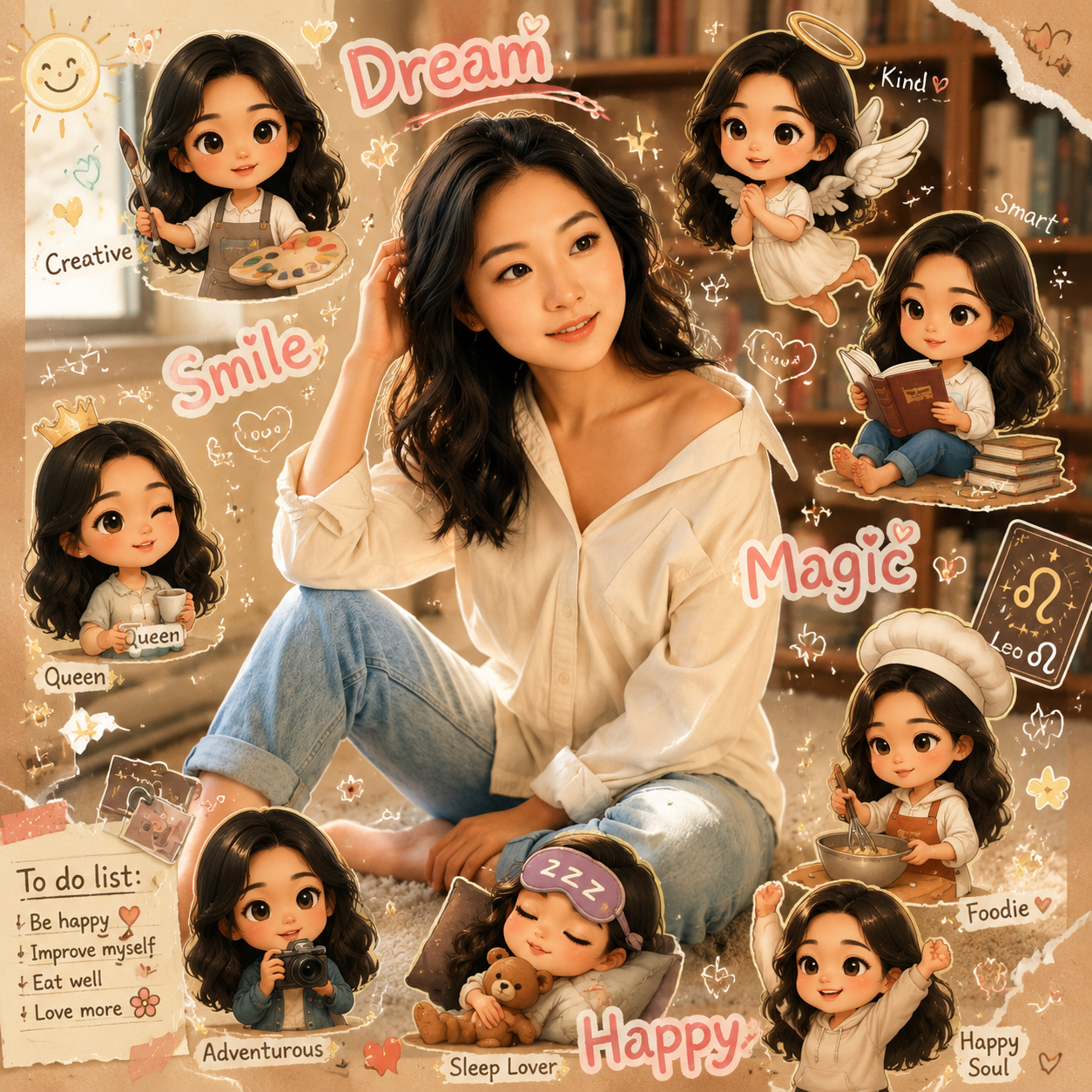
Daily Moods Chibi
Transform the uploaded real photo into a daily-moods chibi collage. Keep the main subject realistic in the center, surrounded by mini 3D chibi clones each showing a different mood such as happy, sleepy, excited, and shy. Add doodle words like 'Mood', 'Vibes', and 'Today', plus bubbles and sparkles. Colorful and cute.
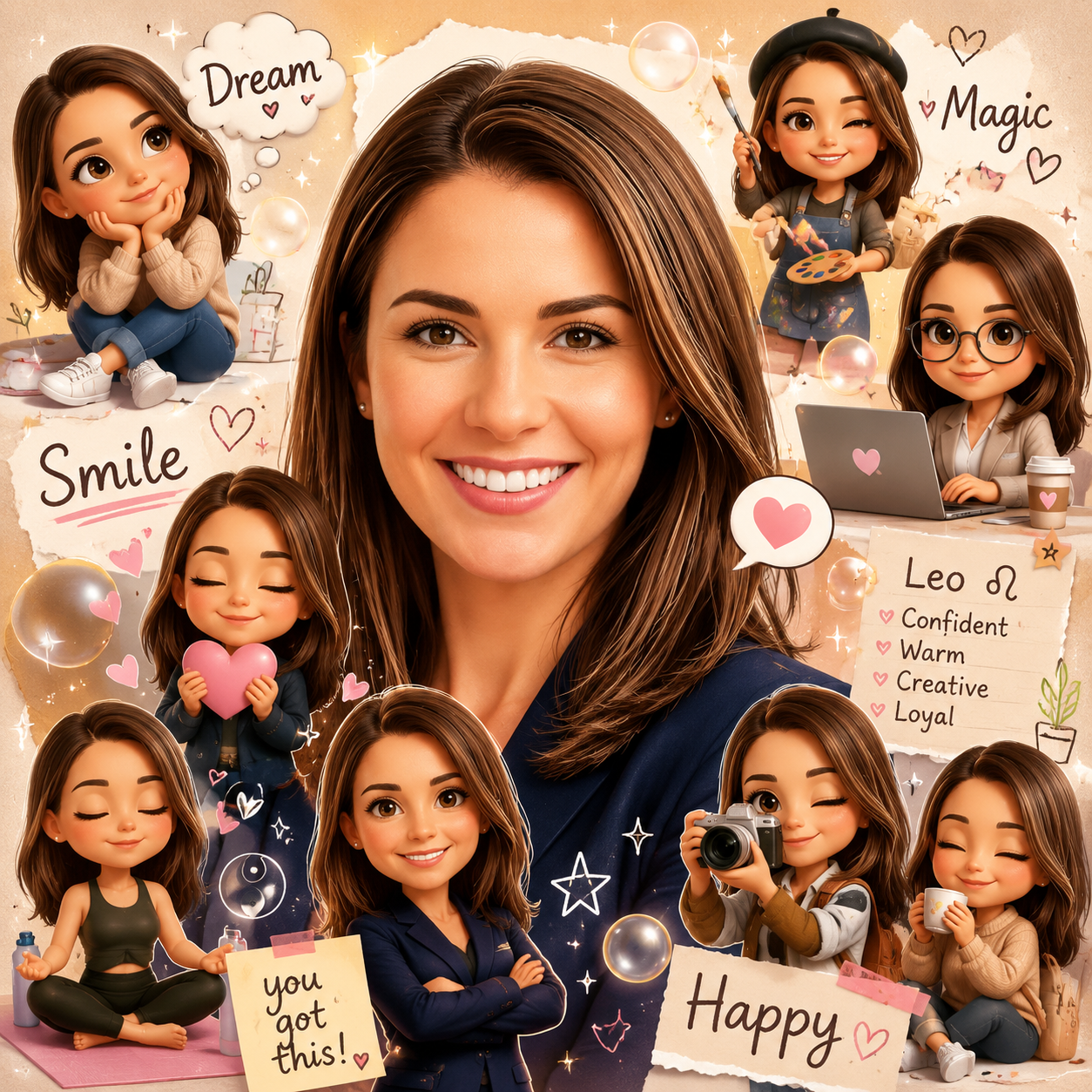
Hobby & Personality
Transform the uploaded real photo into a chibi collage themed around hobbies and personality. Keep the main person realistic, and surround them with mini 3D chibi versions doing different activities like coffee, music, gaming, and reading. Add scrapbook doodles, sticker edges, and handwritten labels. Cute, vibrant, thumbnail-ready.
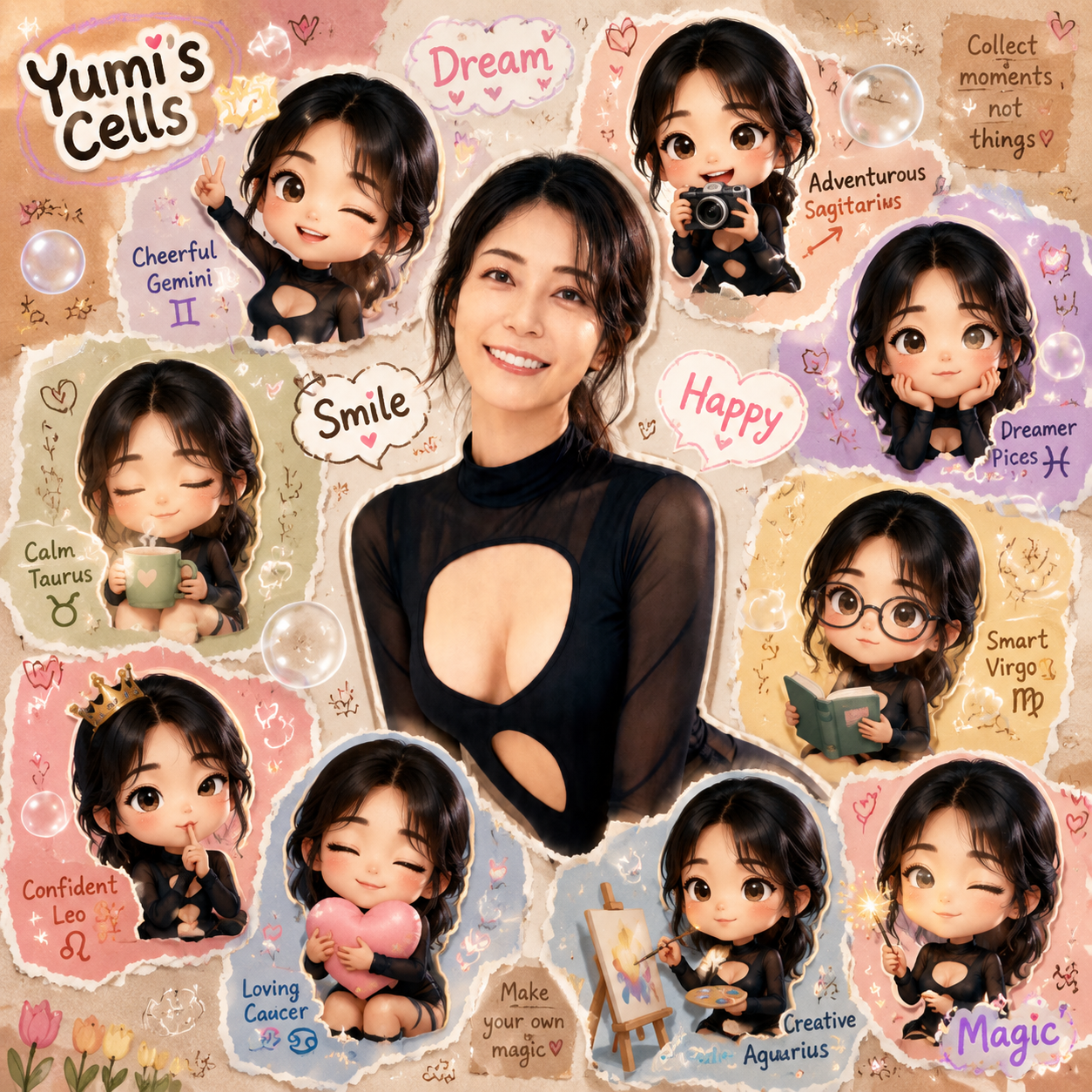
Friends Squad Chibi
Transform the uploaded photo into a chibi squad collage. Keep the main subject realistic in the center, surrounded by cute mini 3D chibi clones posed like a friend group, with playful interactions, bubbles, hearts, and handwritten words like 'Squad', 'BFF', and 'Crew'. Colorful sticker-style collage.
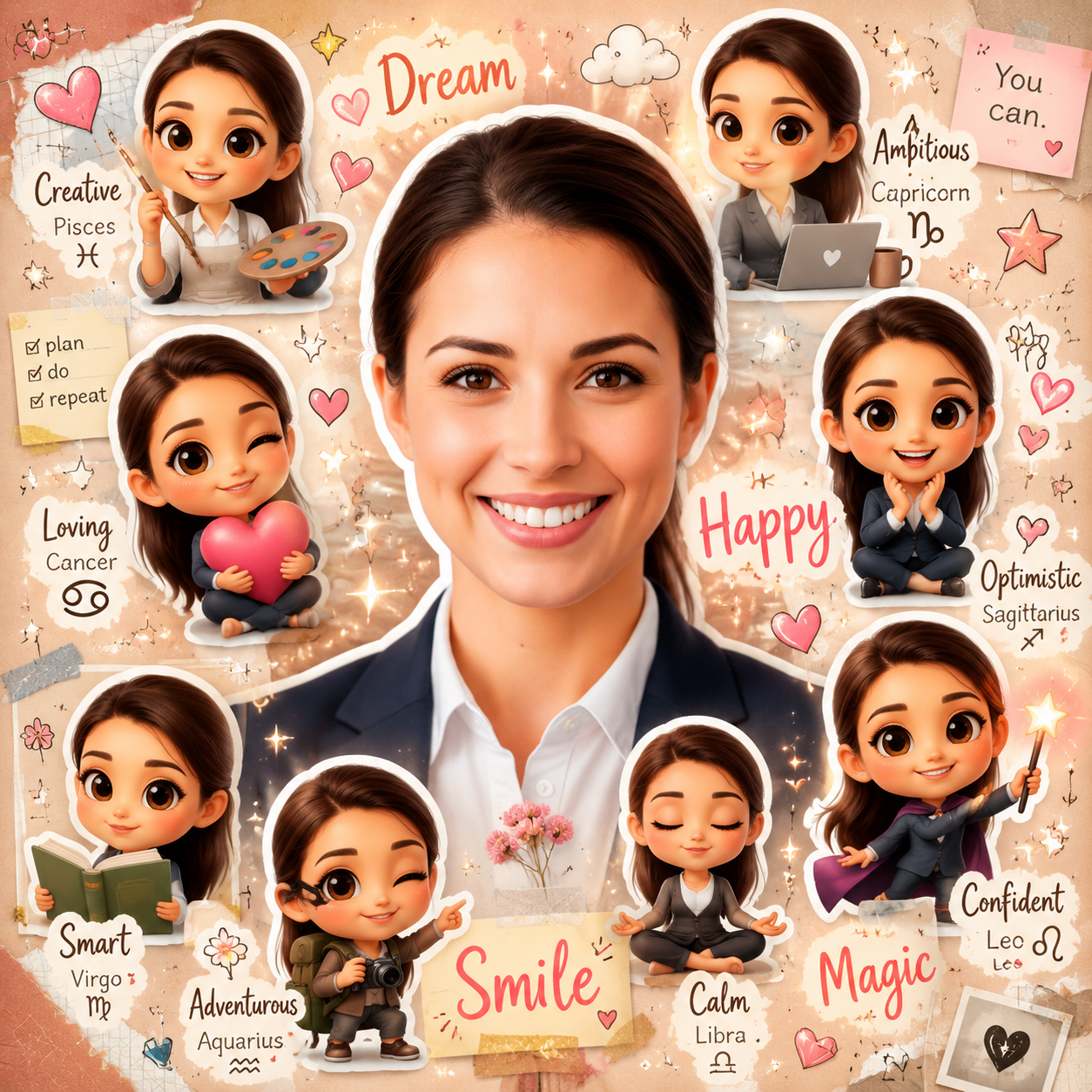
Sticker Pack Collage
Transform the uploaded real photo into a chibi sticker-pack collage. Keep the central person realistic, surrounded by multiple cute 3D chibi mini-me stickers with soft white sticker borders, varied poses and expressions, glowing bubbles, sparkles, and doodle words. Bright, cute, social-ready.
Chibi Cartoon Prompt FAQ
Everything you need to know about the chibi cartoon style prompt — how it works, whether it's free, how to get viral results, tool compatibility, and what to avoid for clean, thumbnail-ready collages.
Flexible AI Pricing
Pay-as-you-go credits or subscription plans. No hidden fees, cancel anytime.